Prepare the Required Information
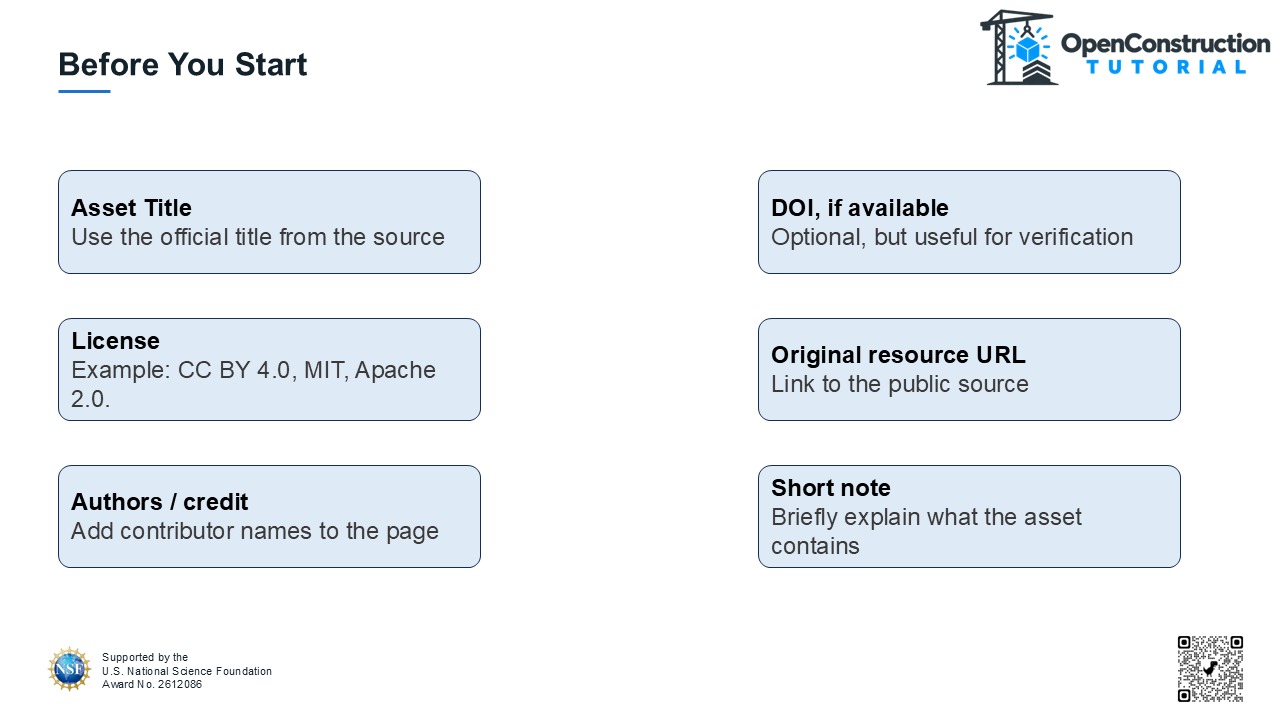
Before beginning, gather the official asset title, DOI when available, license, original public resource URL, author or contributor information, and a short description of the asset.
Open the Contribute Page
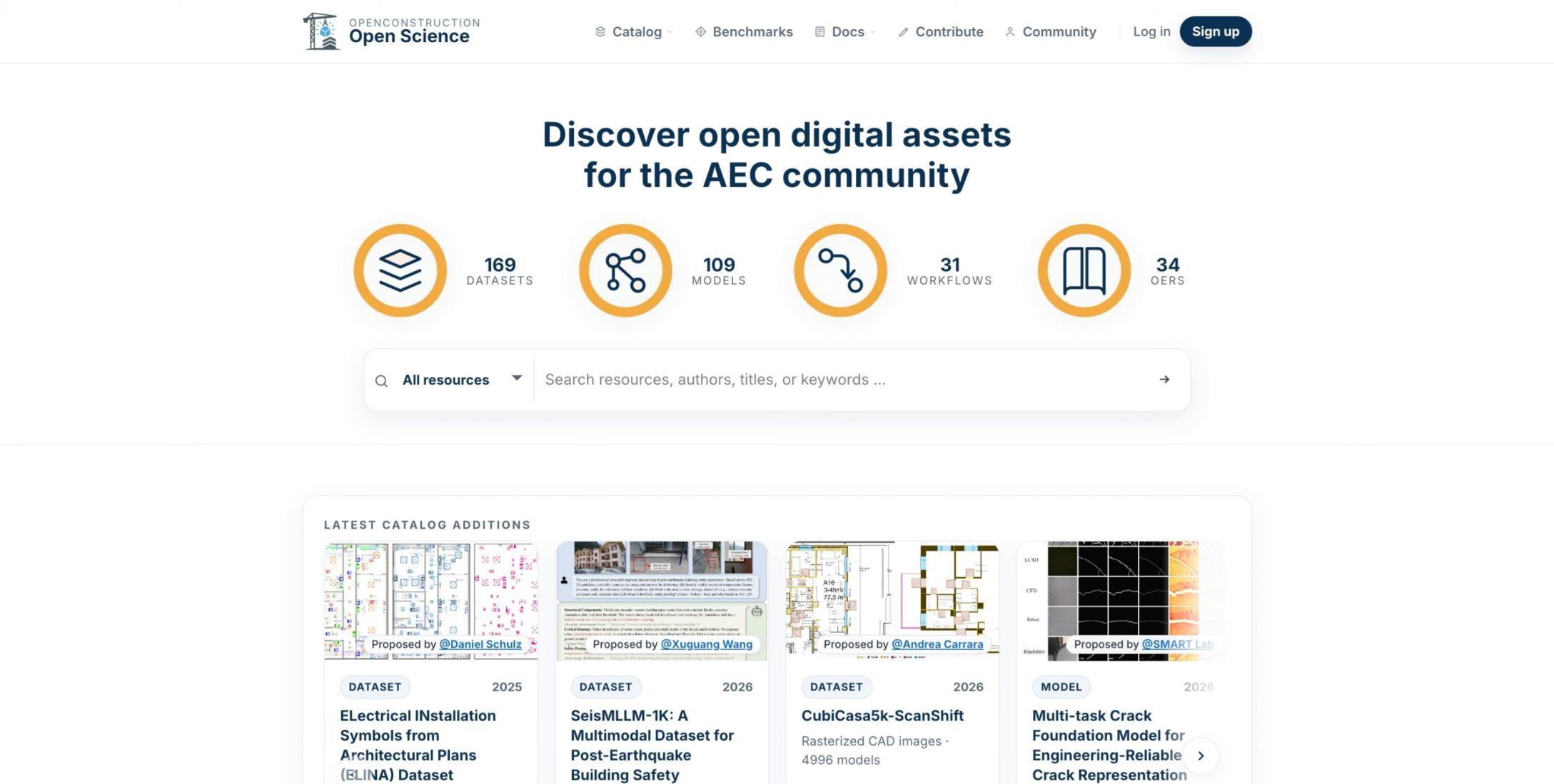
From the public OpenConstruction website, open the Contribute page.
Select Contribute
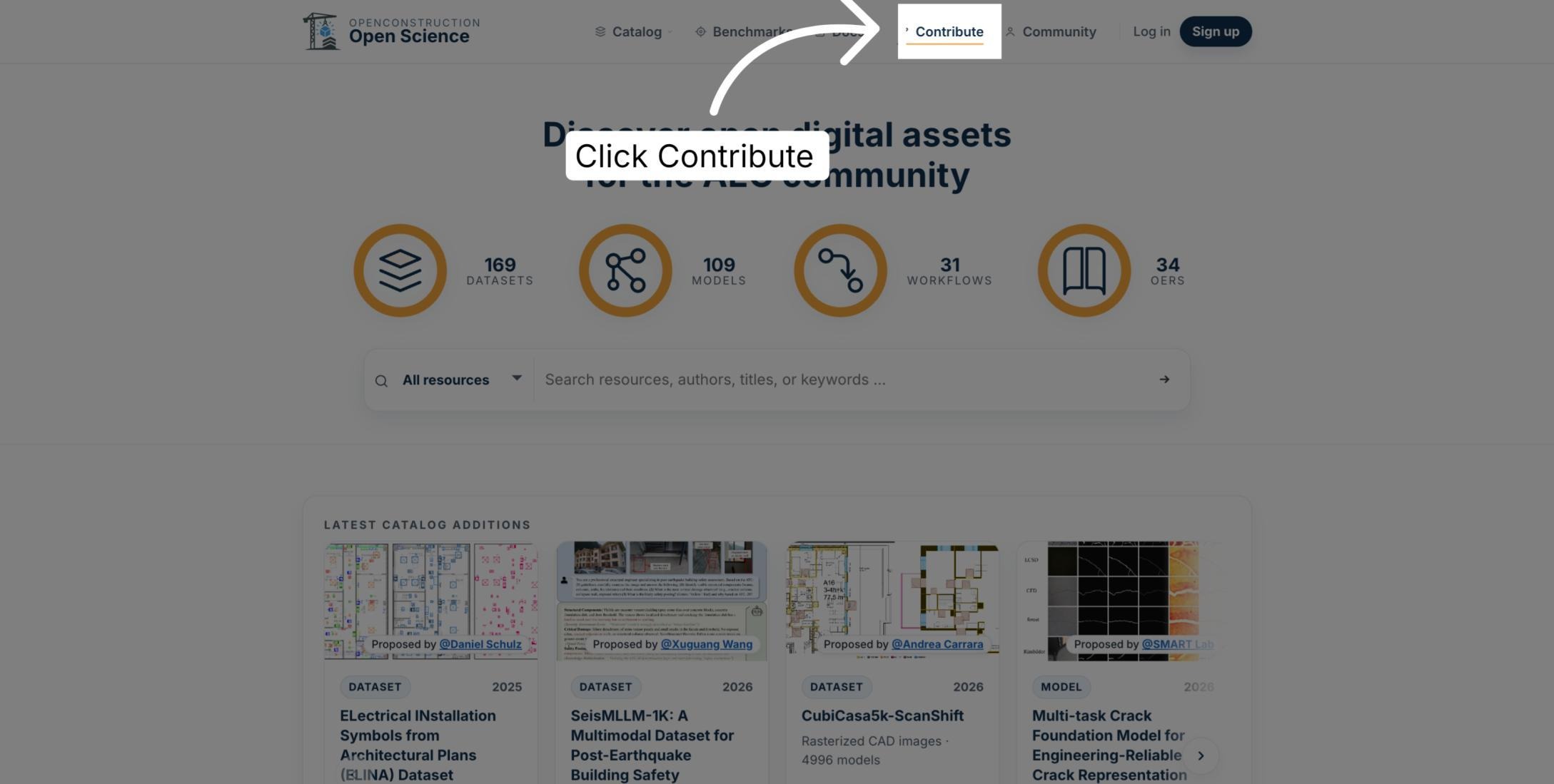
Select Contribute in the main navigation to begin the contribution process.
Open the Submission Workspace
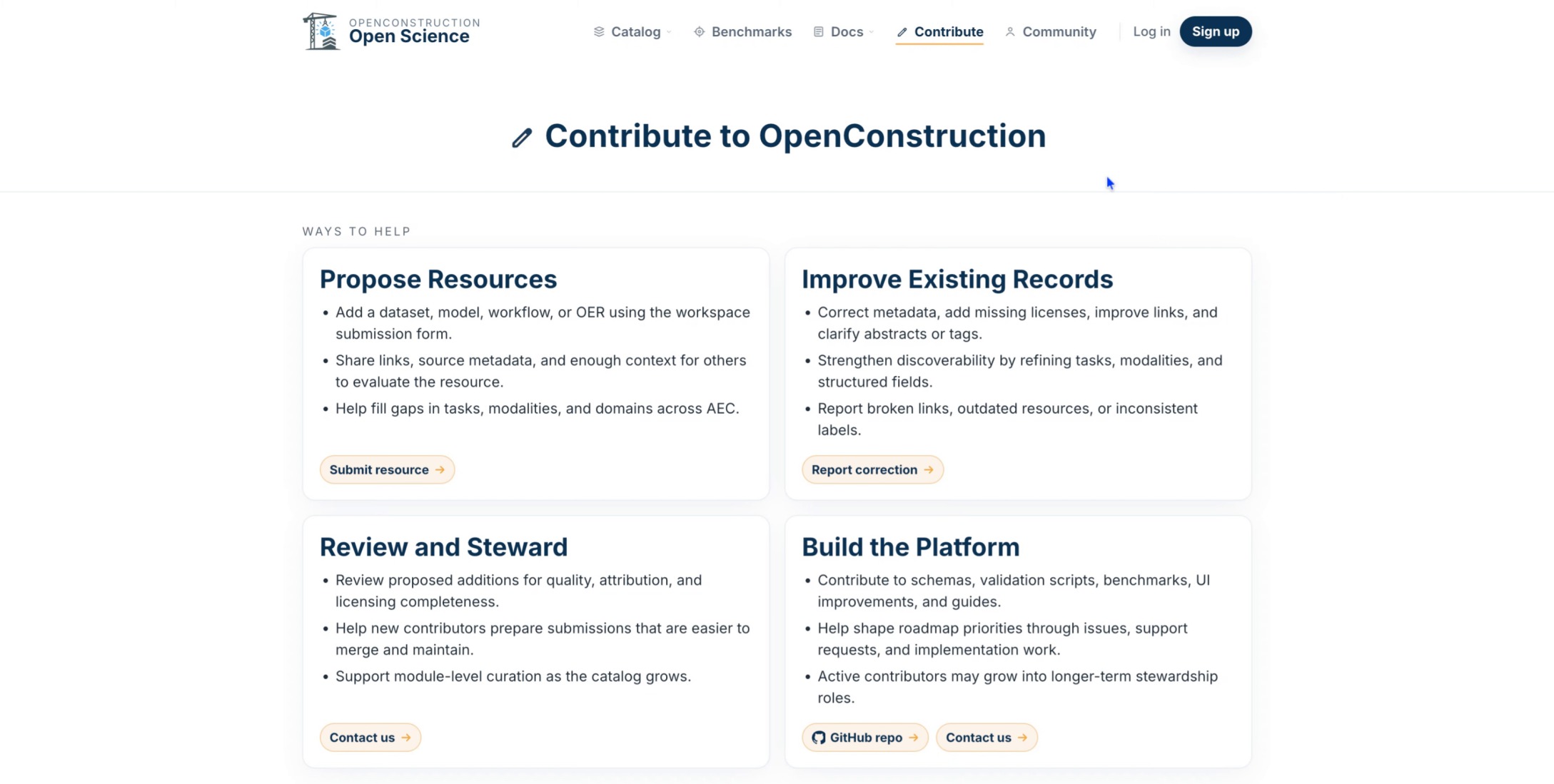
Under Propose Resources, select Submit resource. This opens the OpenConstruction submission workspace.
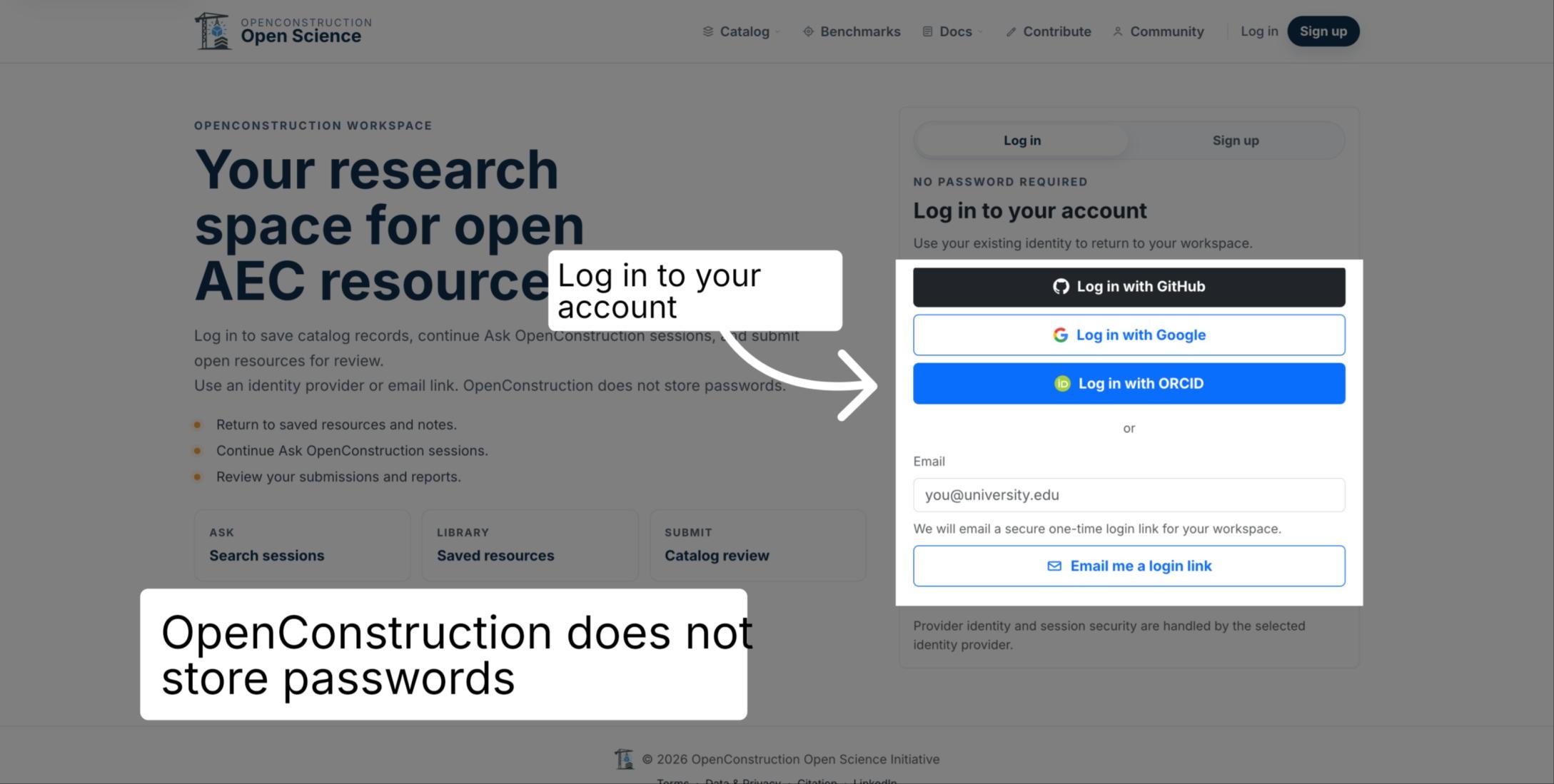
Sign In Securely
Sign in using a trusted identity provider or secure email link. OpenConstruction does not store passwords.
Enter Contact Information
Begin the submission with your current name and email address so reviewers can contact you if clarification is needed.
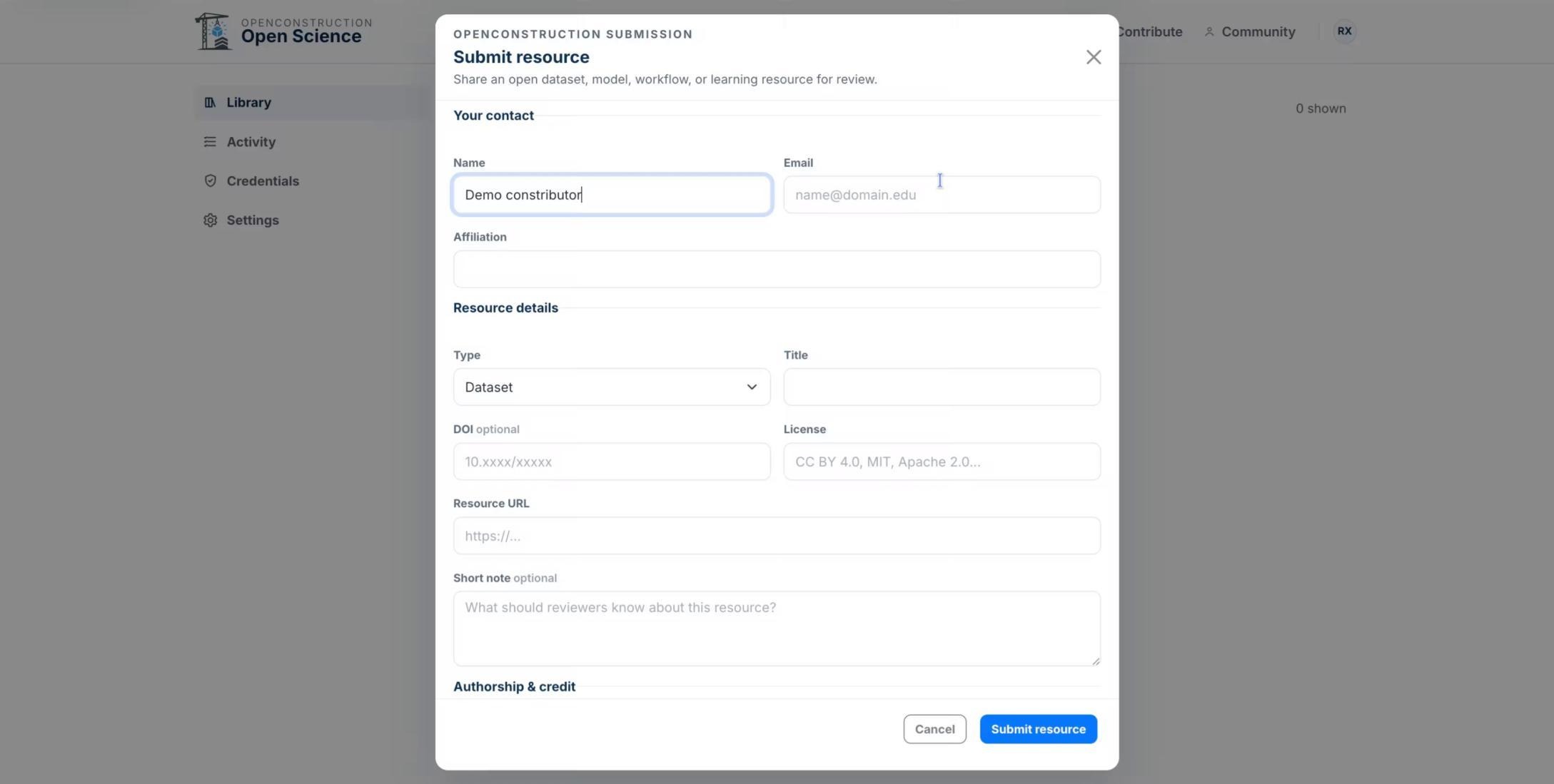
Enter Your Affiliation
Add your organization or institutional affiliation in the provided field.
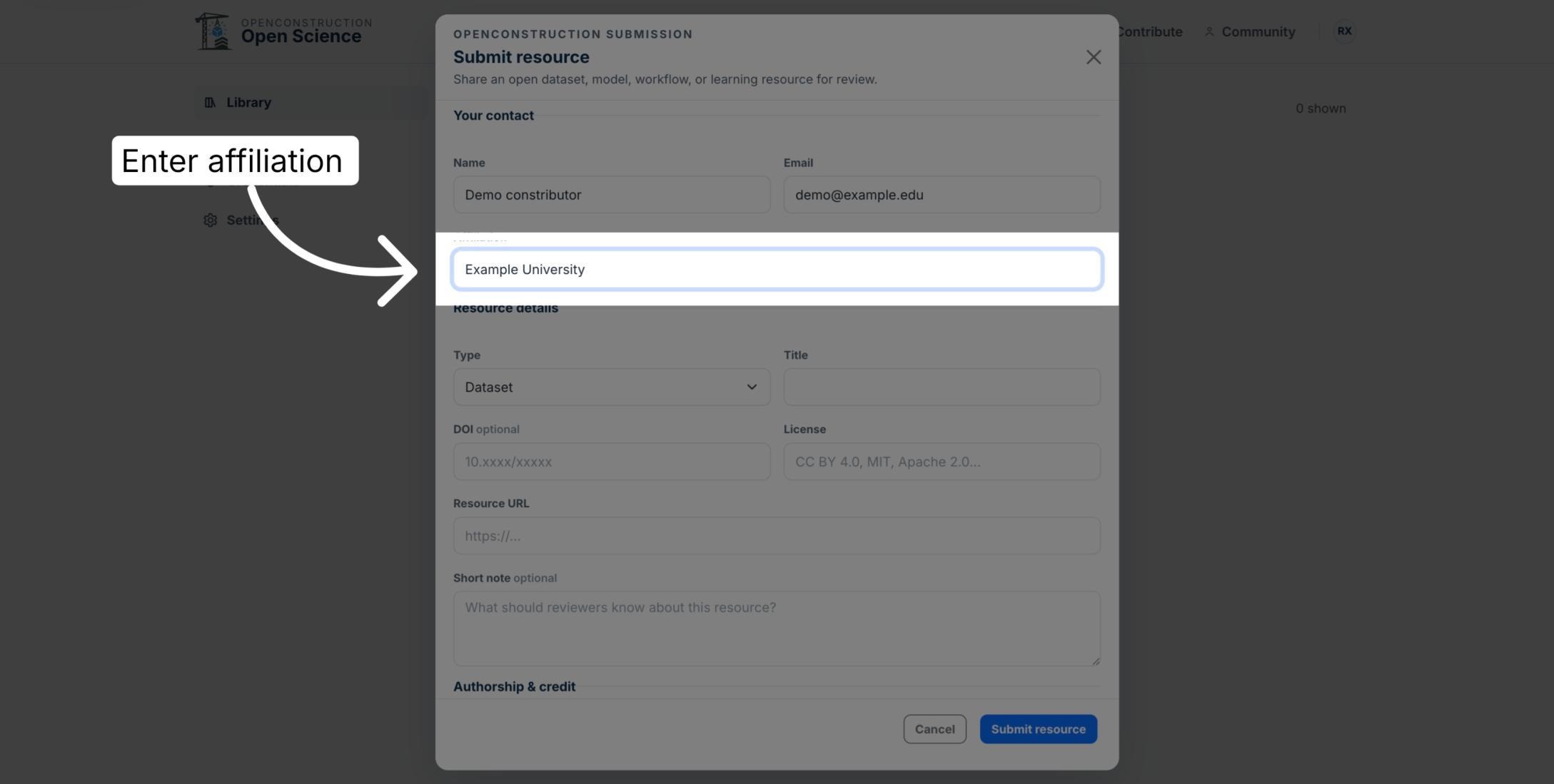
Select the Asset Type and Title
Choose whether the asset is a dataset, model, open educational resource, or workflow, then enter its official title.
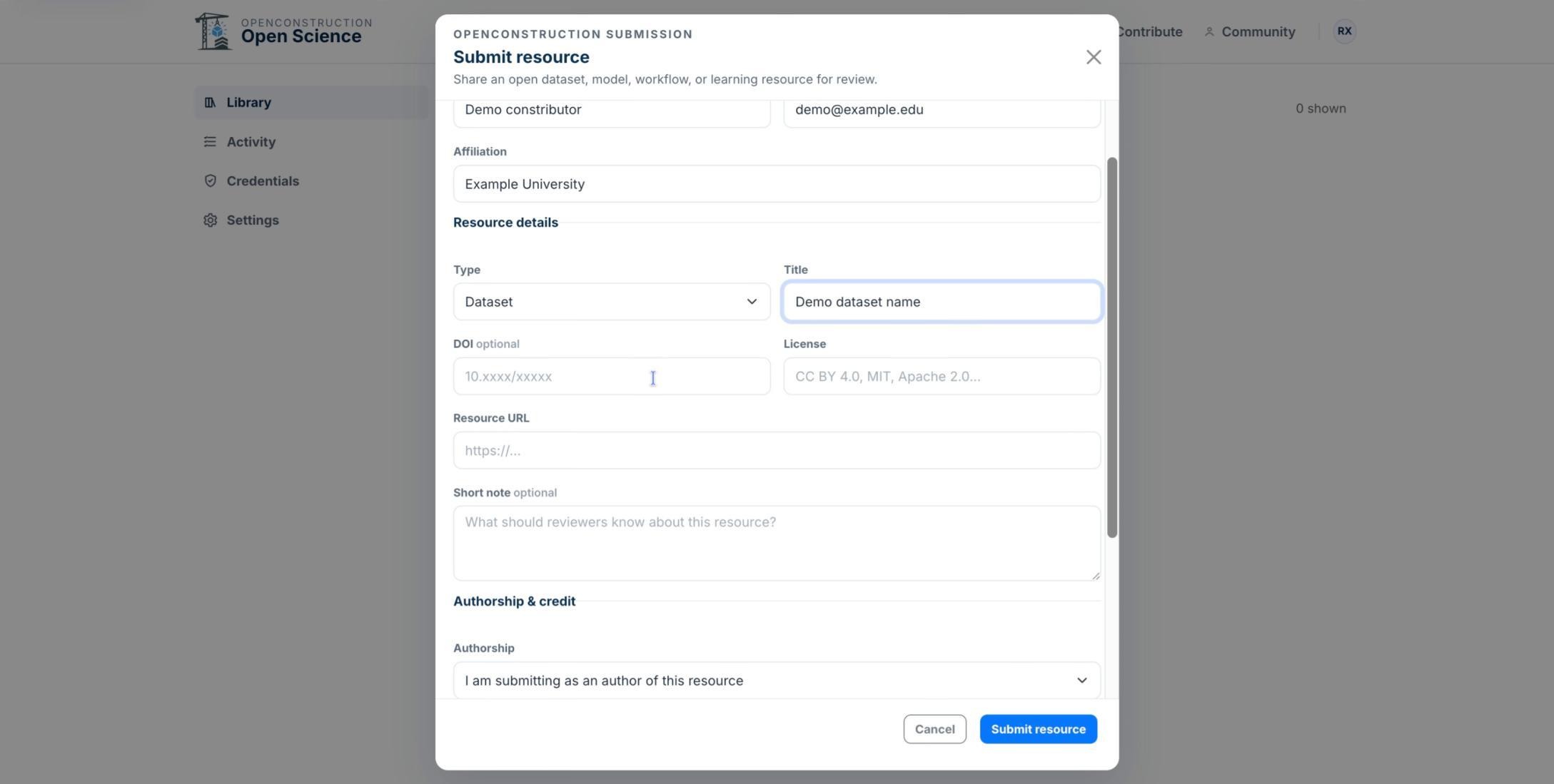
Add the DOI
Enter the asset's DOI when one is available. A DOI is optional but useful for verification.
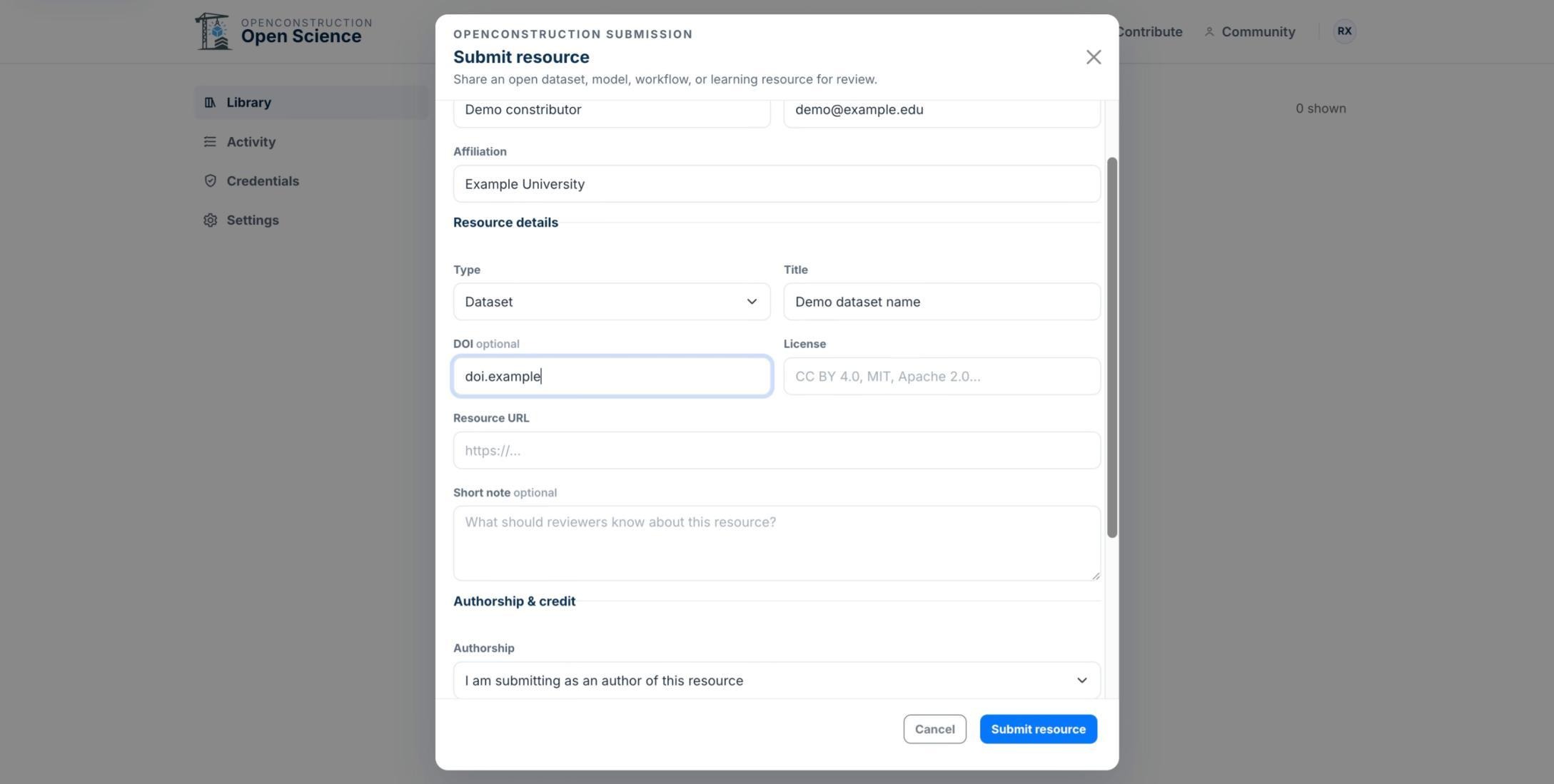
Choose the License
Select the license that accurately governs reuse and sharing. Confirm it against the original public source before submitting.
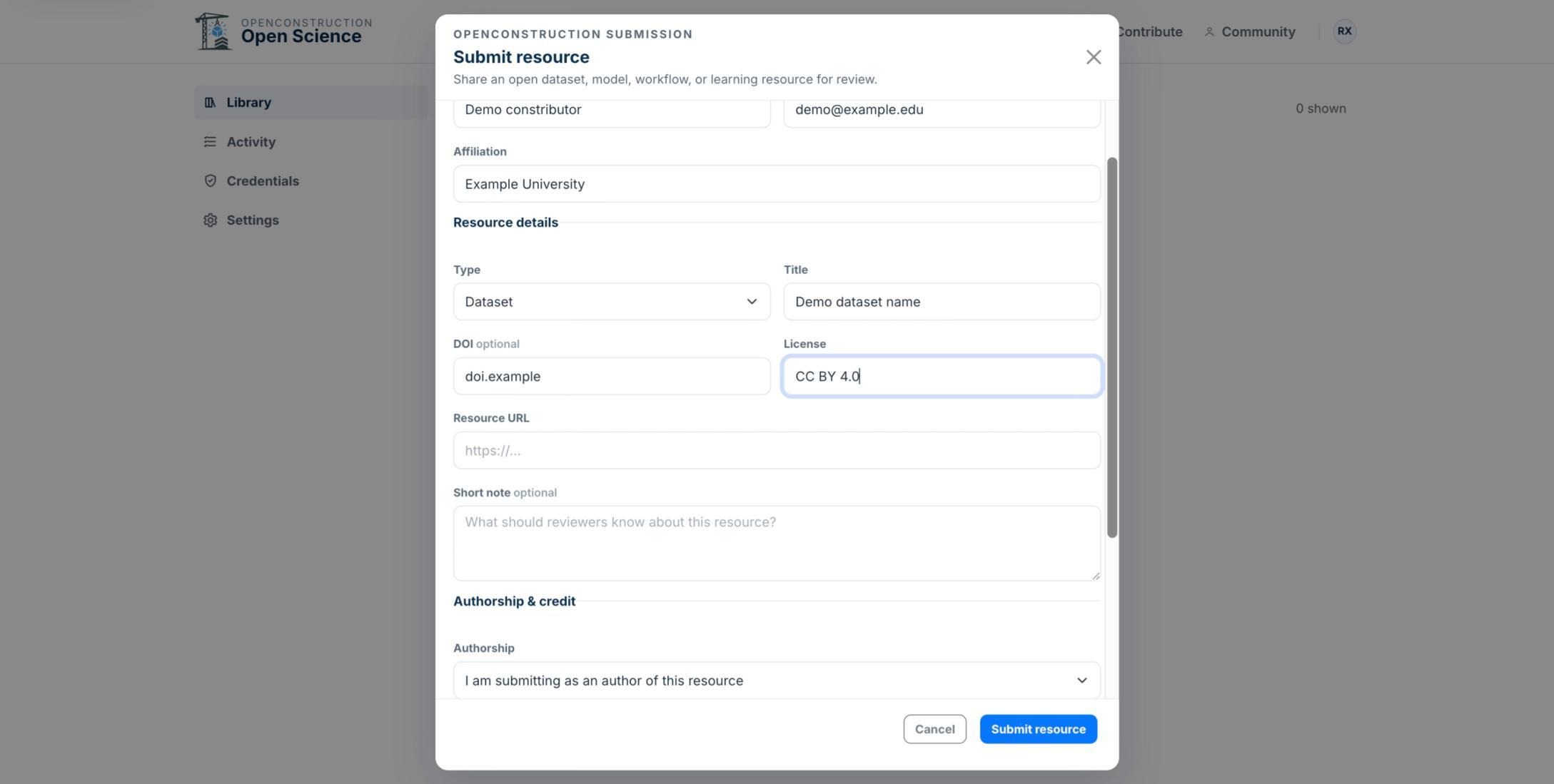
Write a Short Summary
Add a concise note that gives reviewers useful context about the asset, its scope, or its intended use.
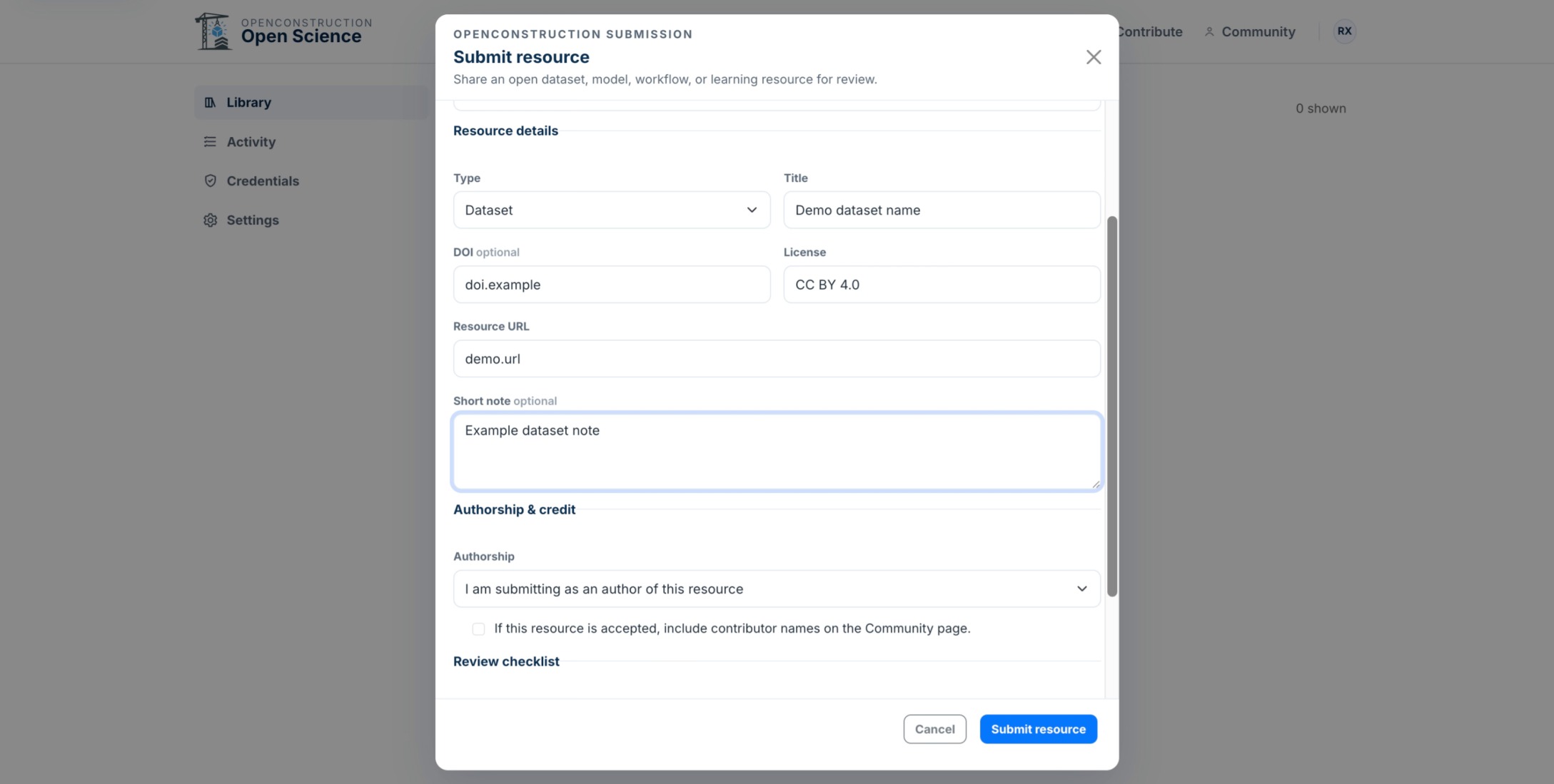
Confirm Authorship and Permissions
Under Authorship and credit, select the option that accurately describes your relationship to the asset and your permission to submit it.
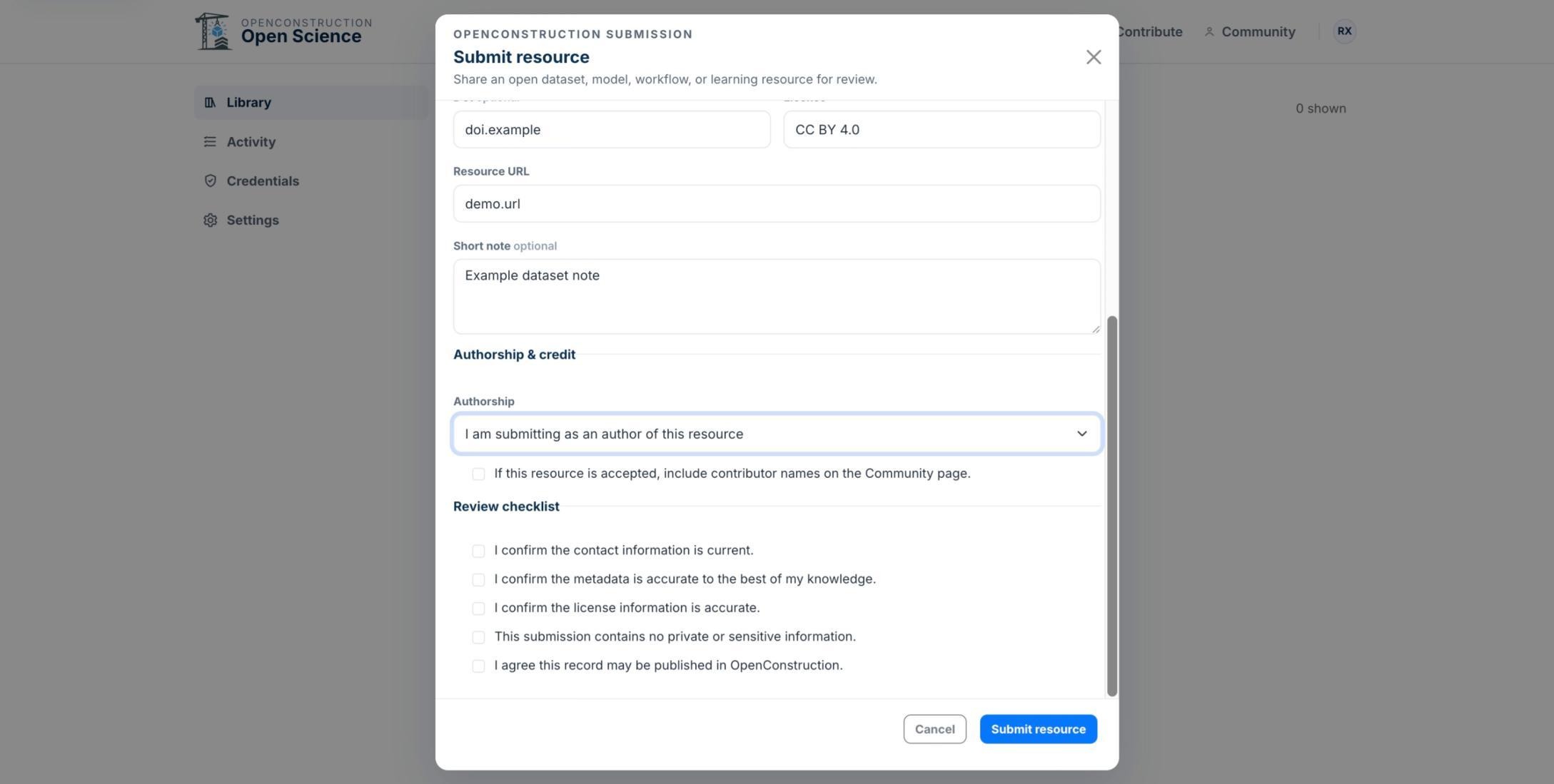
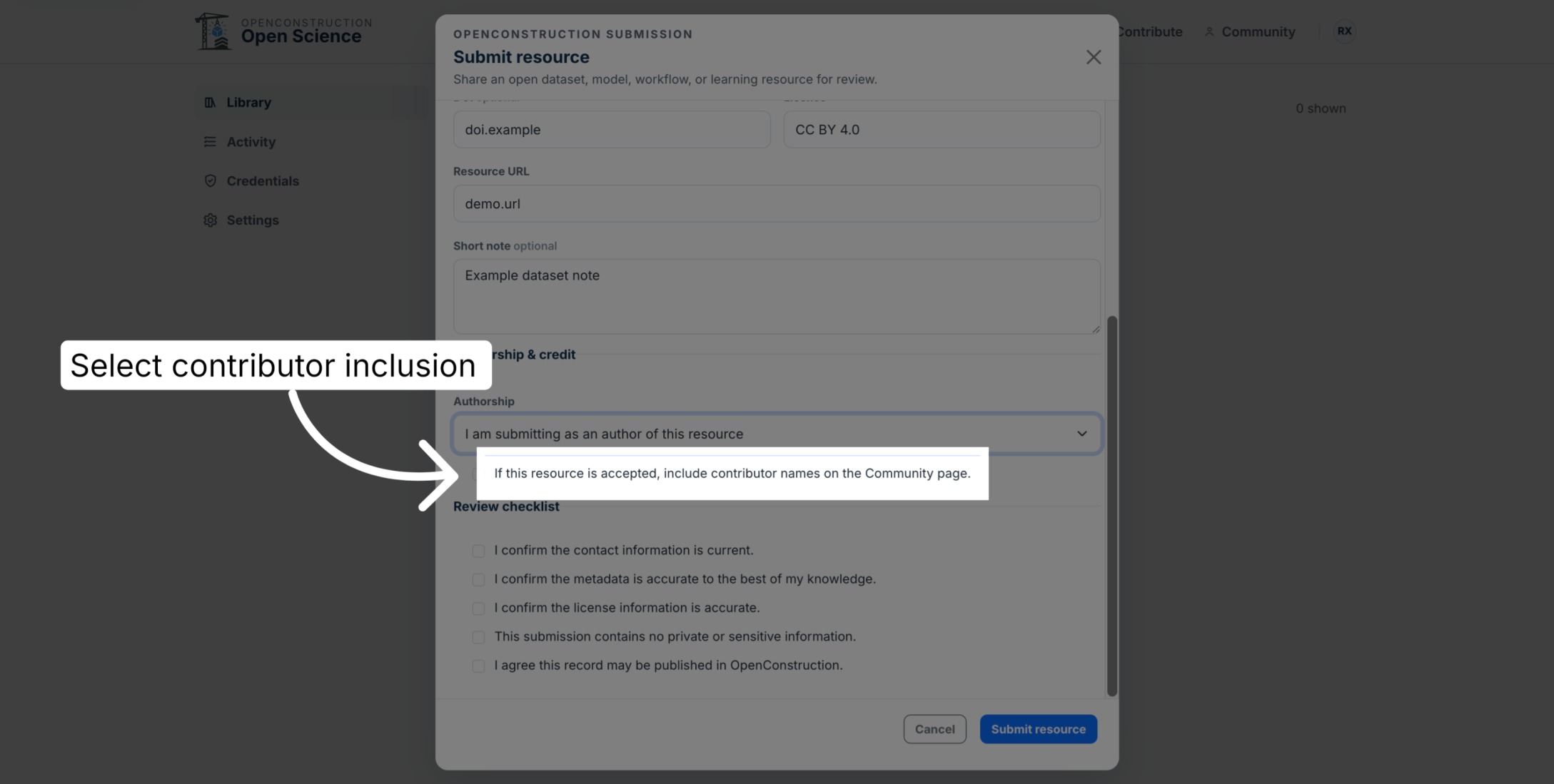
Choose Community Recognition
Complete the required permission statement and indicate whether contributor names may appear on the public OpenConstruction Community page.
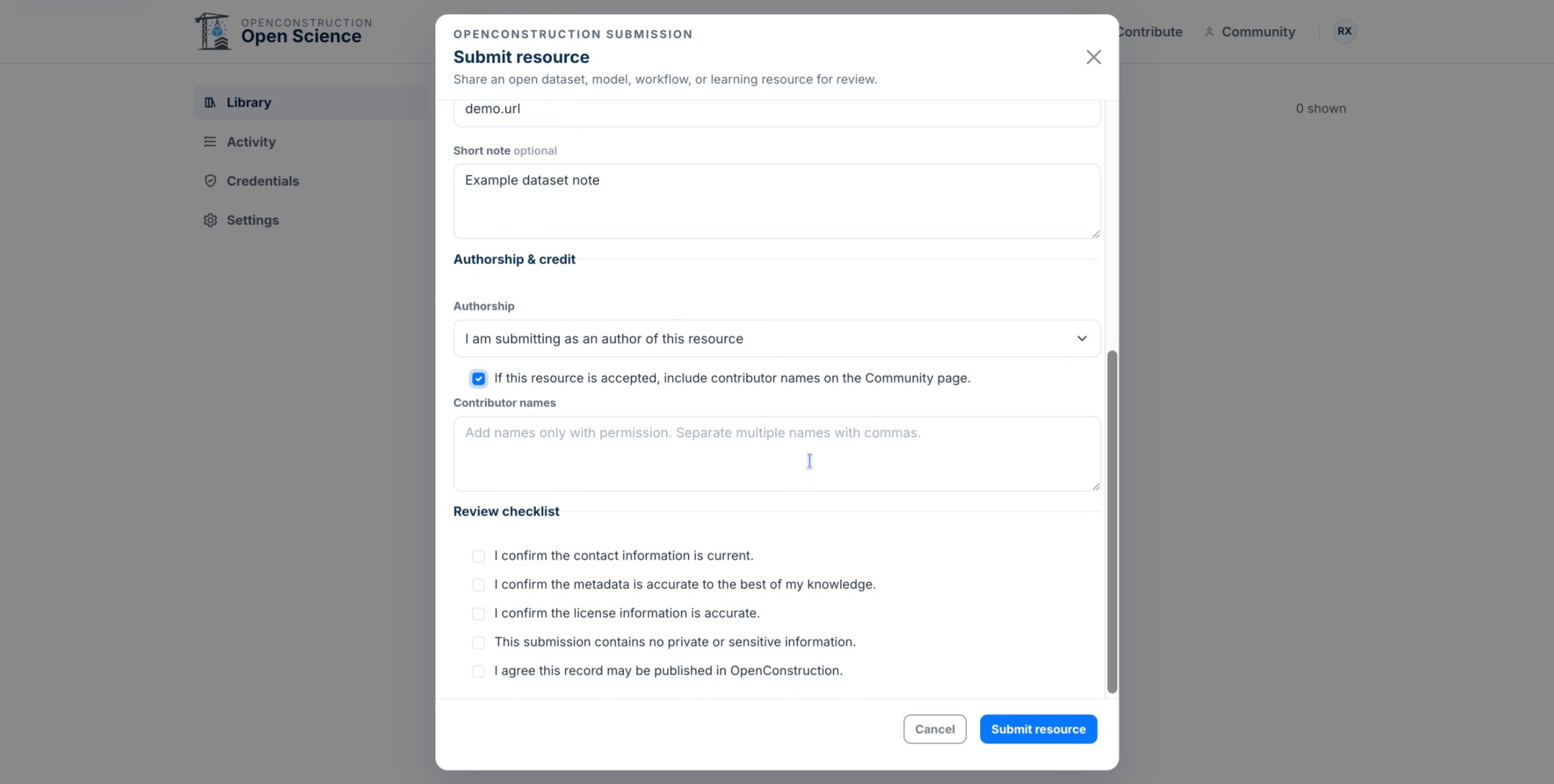
List the Contributors
Add the names of contributors who should receive credit for the asset or submission.
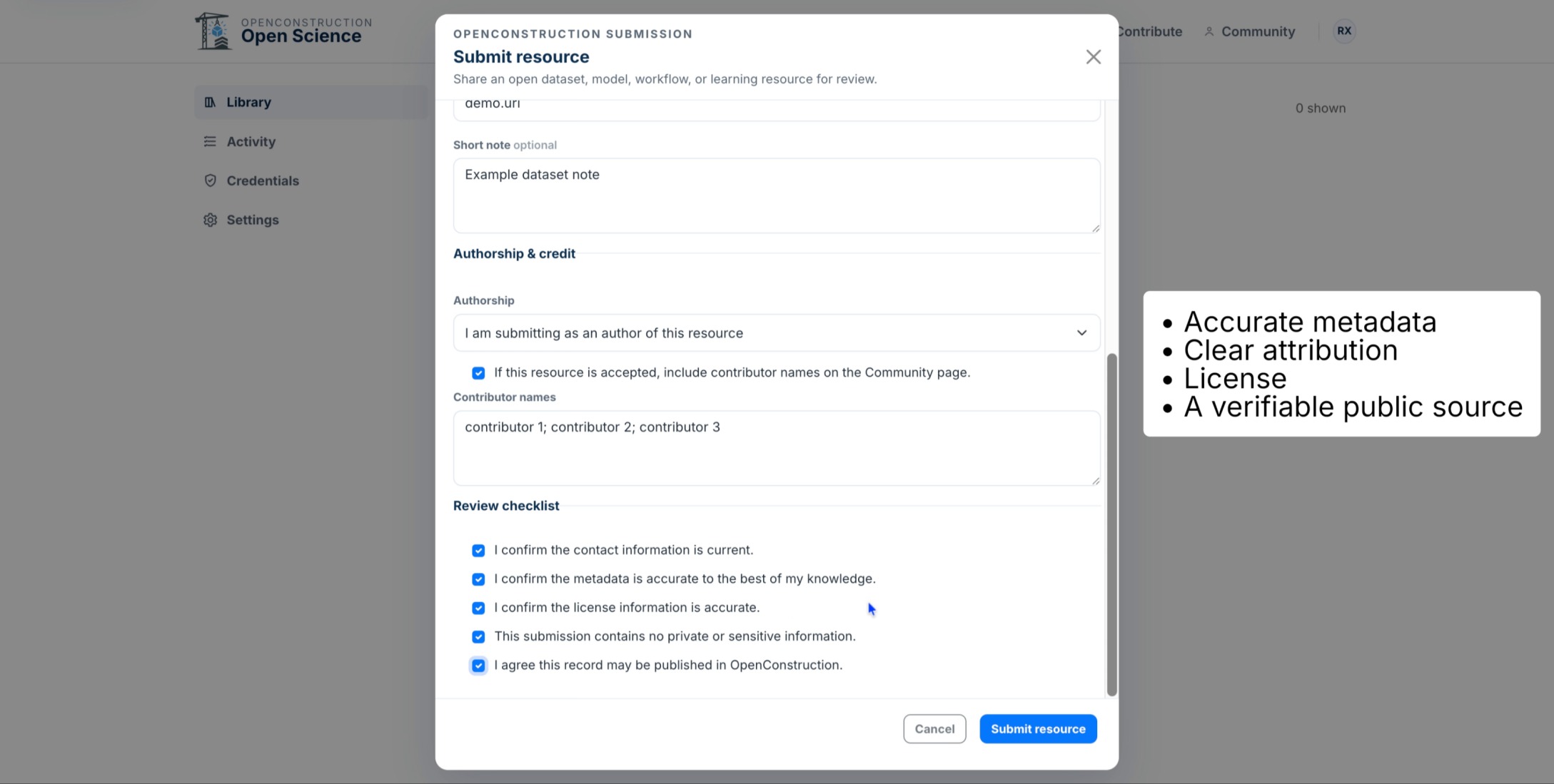
Review the Submission Checklist
Before submitting, confirm that the contact information is current, metadata and license are accurate, no private or sensitive information is included, and the record may be published by OpenConstruction.
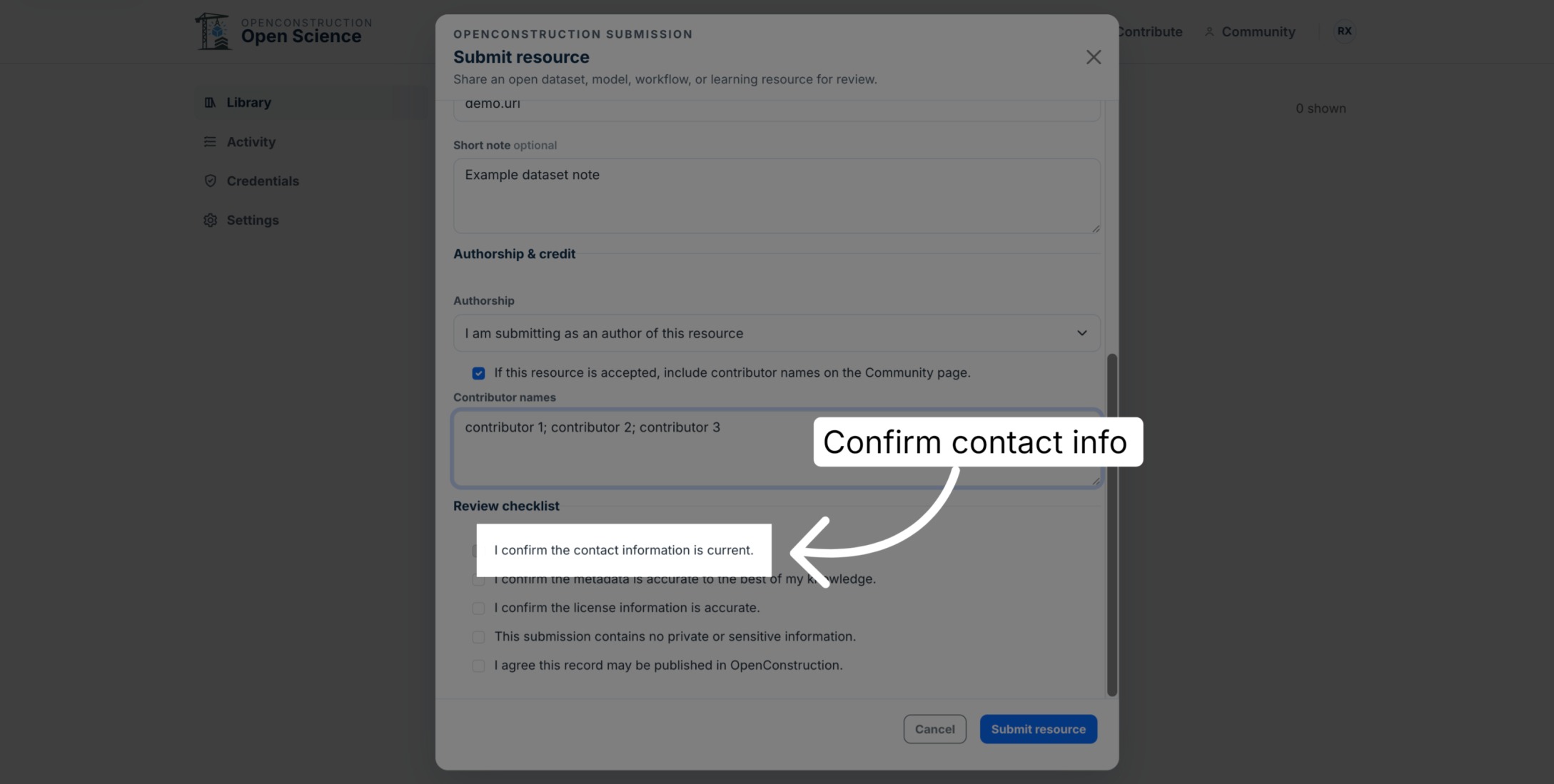
Confirm Your Contact Information
Select the confirmation stating that your contact information is current.
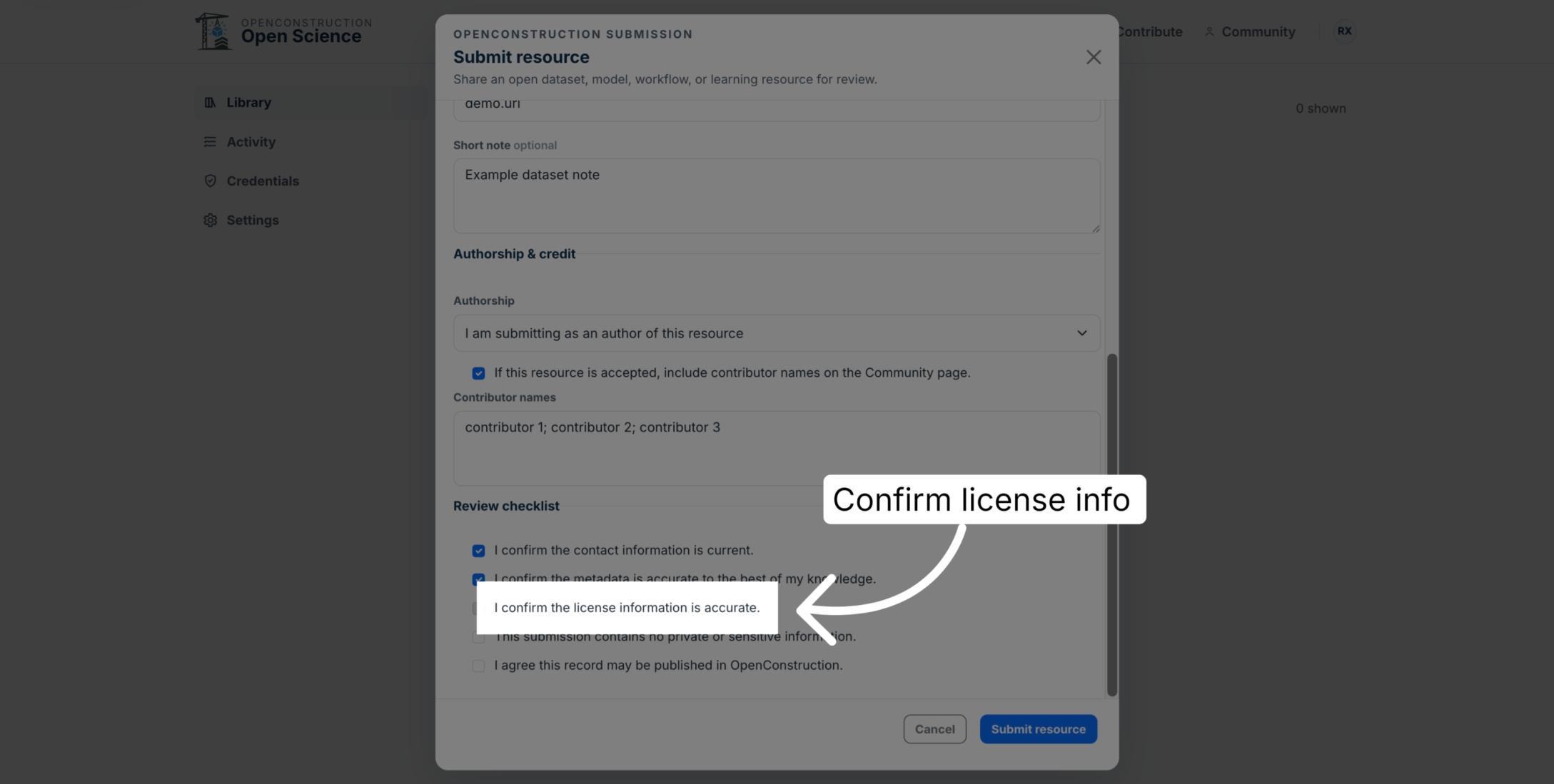
Confirm the License Information
Select the confirmation stating that the license information is accurate.
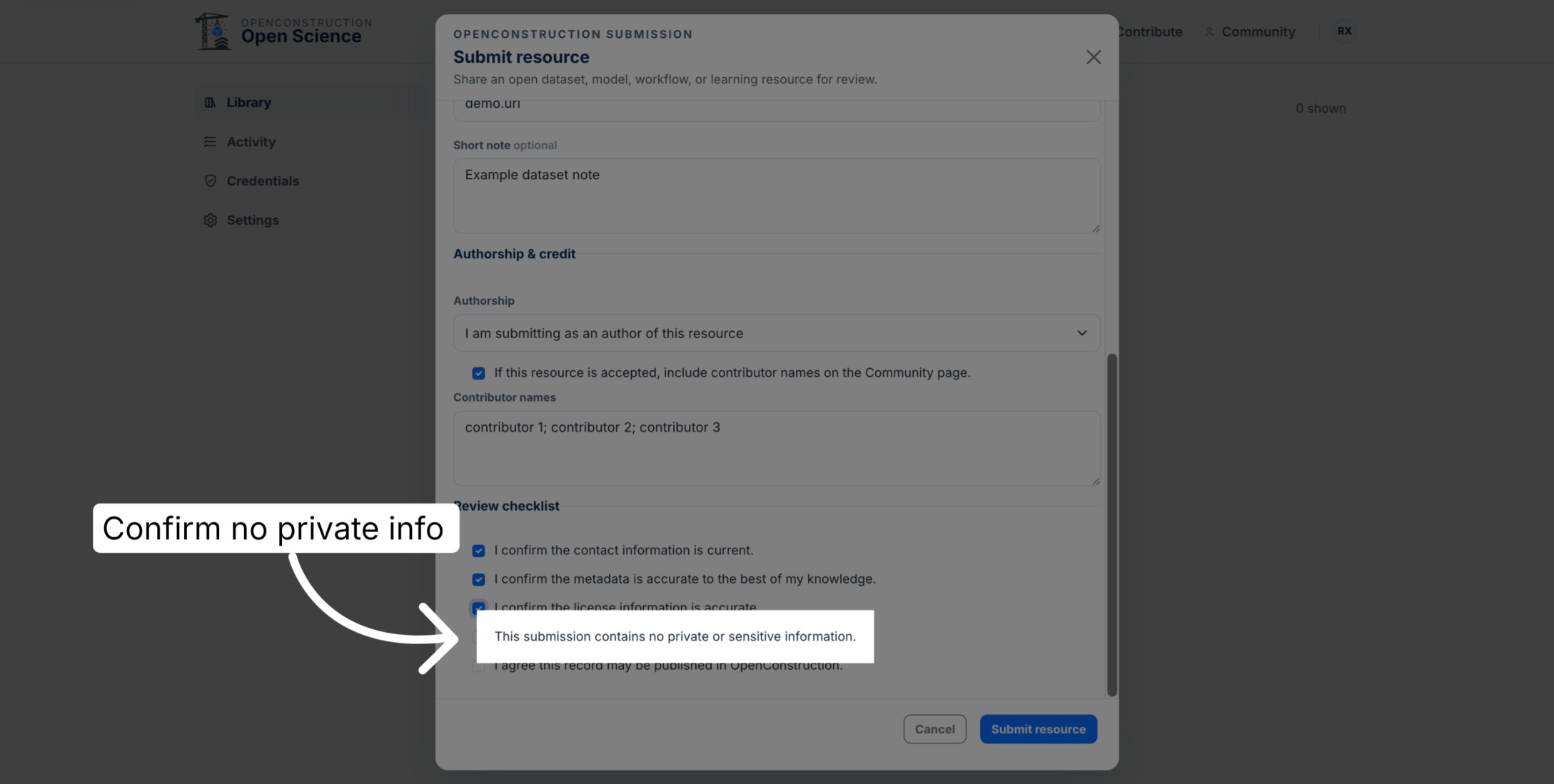
Confirm No Private Information Is Included
Confirm that the submission contains no private or sensitive information.
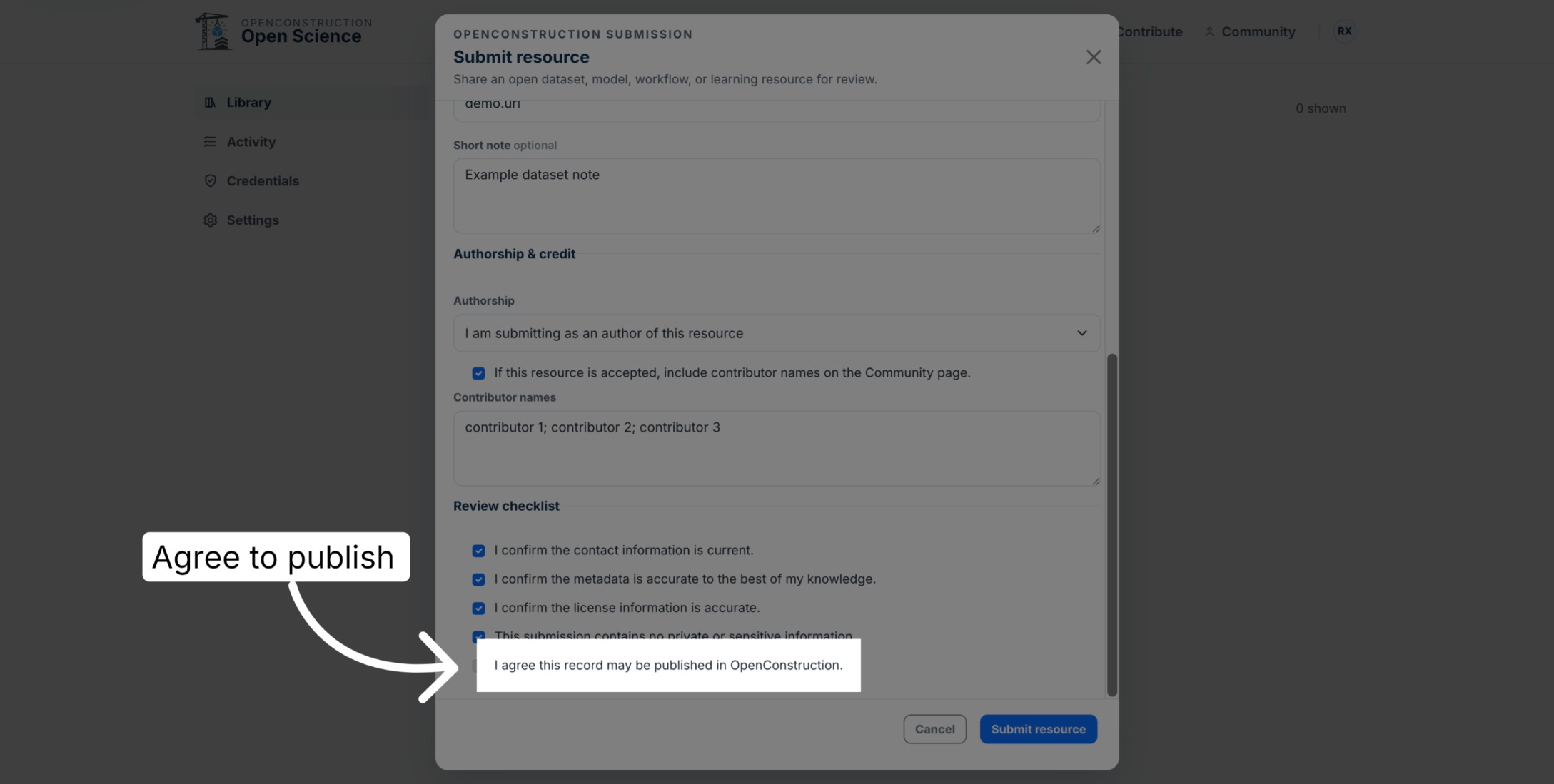
Agree to Publication
Confirm that the submitted record may be published in OpenConstruction after review.
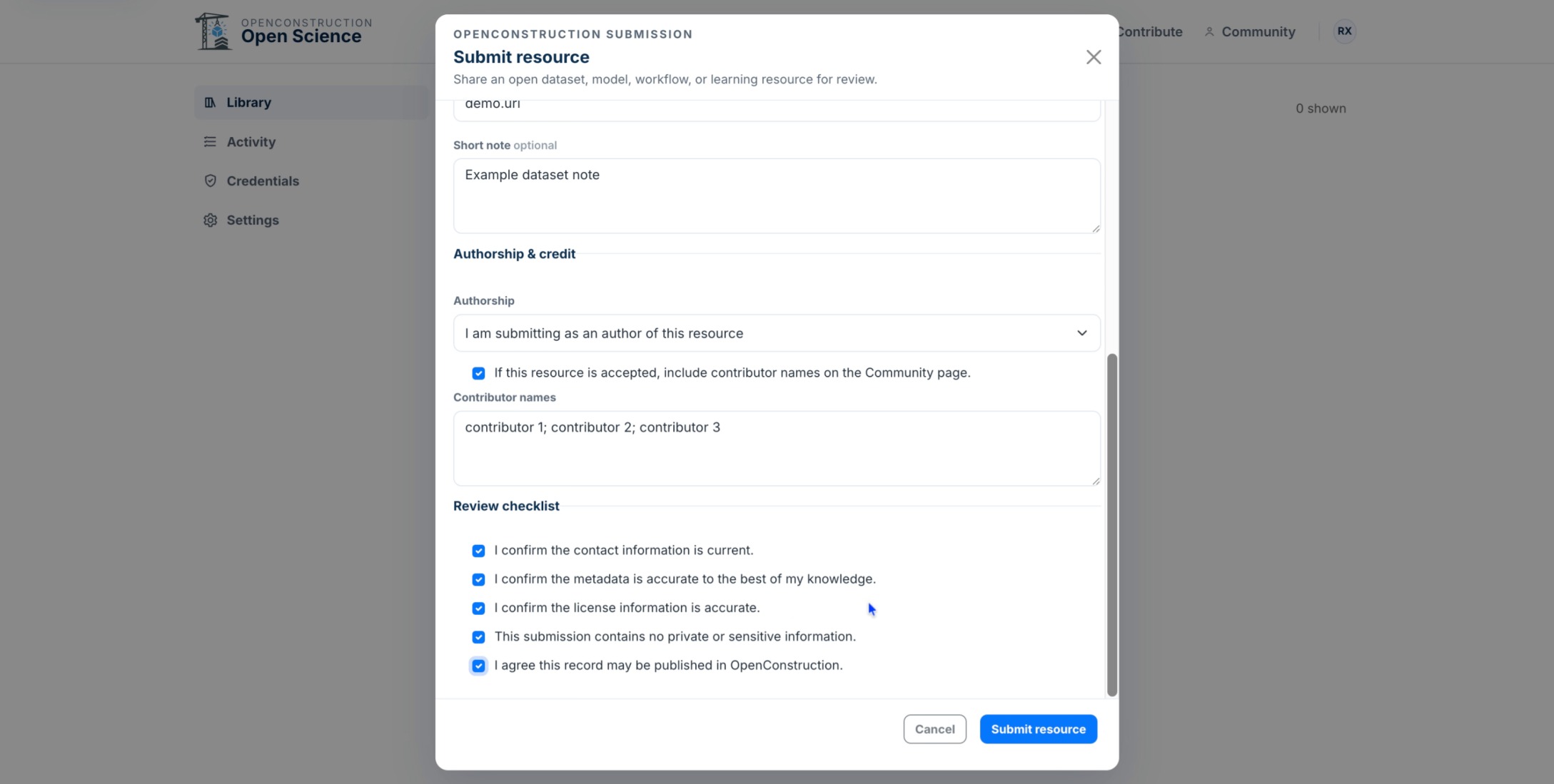
Submit the Resource
When every field and confirmation is correct, select Submit resource.
Understand the Review Process
Your contribution will be reviewed before it is added to the OpenConstruction catalog. Review may include checks for metadata quality, attribution, licensing, and public-source verification.
You are now ready to prepare a complete resource record and submit it for OpenConstruction review.