Prepare the Issue Description
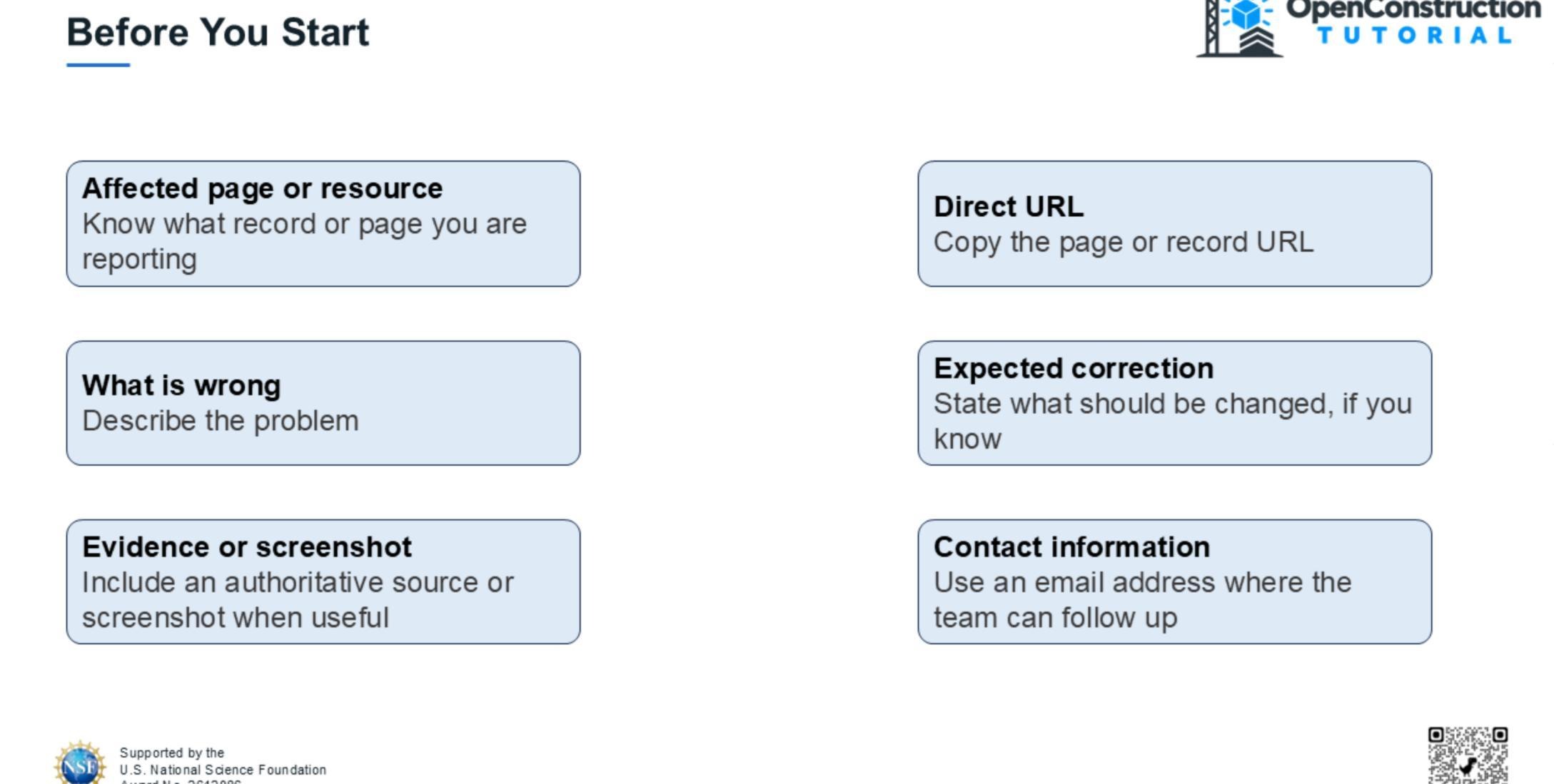
Identify the affected resource or page and copy its direct URL. Describe what is wrong, what should be corrected, and provide an authoritative source or screenshot when useful. Never include passwords, access tokens, or sensitive personal information.
Open the Contribute Page
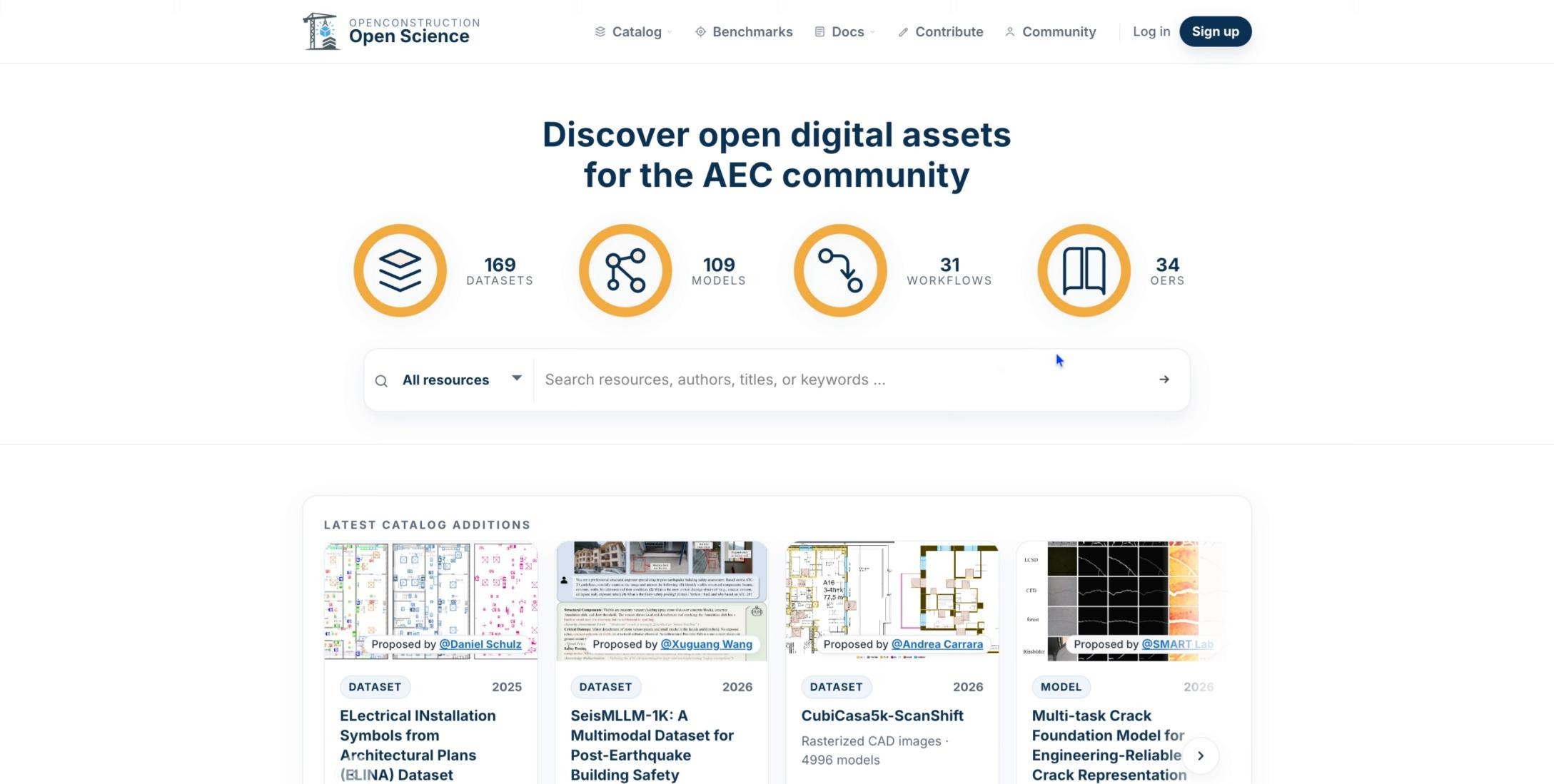
From the public OpenConstruction homepage, open the Contribute page.
Find Improve Existing Records
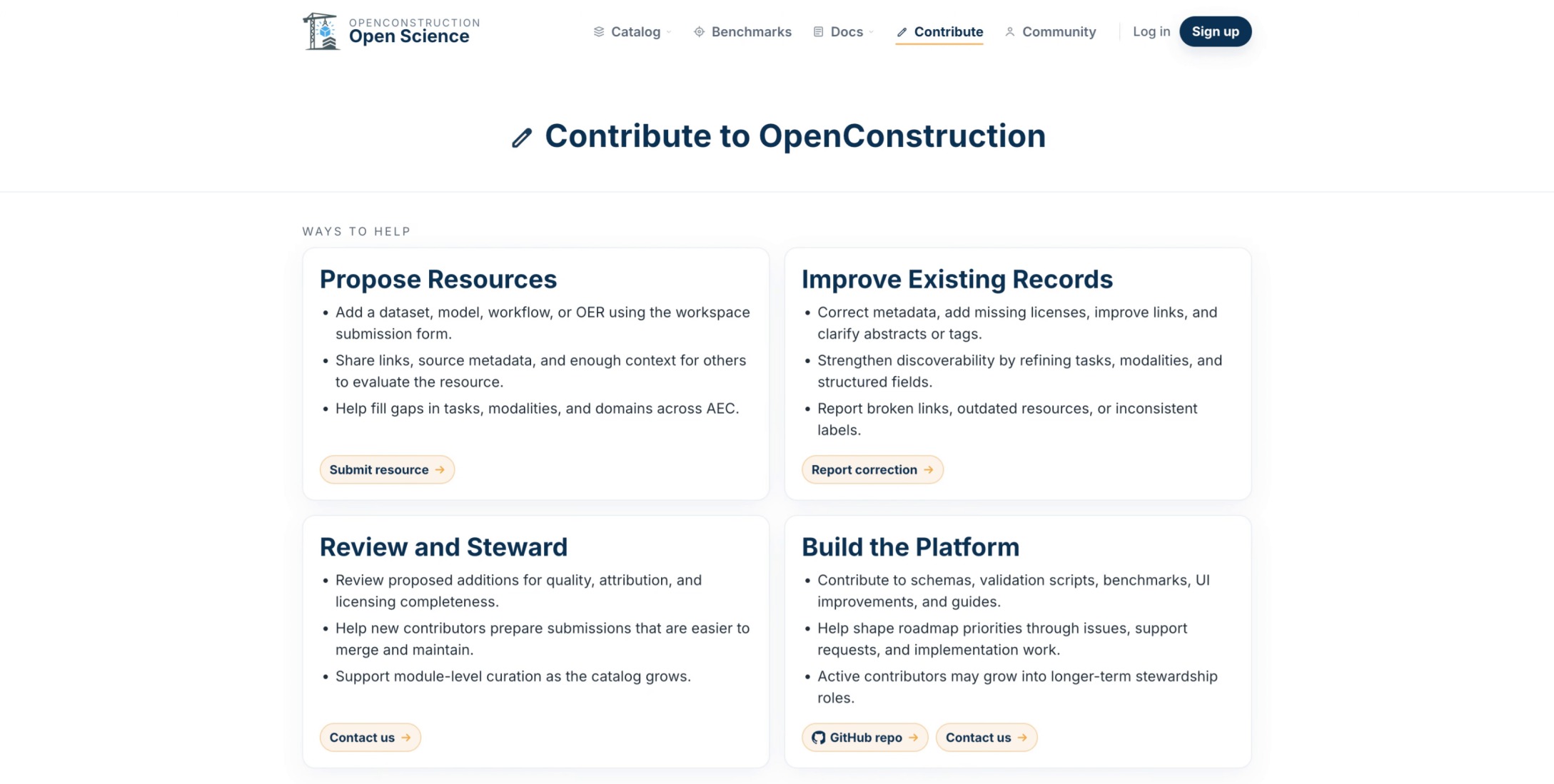
Under Improve Existing Records, locate the option for reporting corrections to existing content.
Select Report Correction
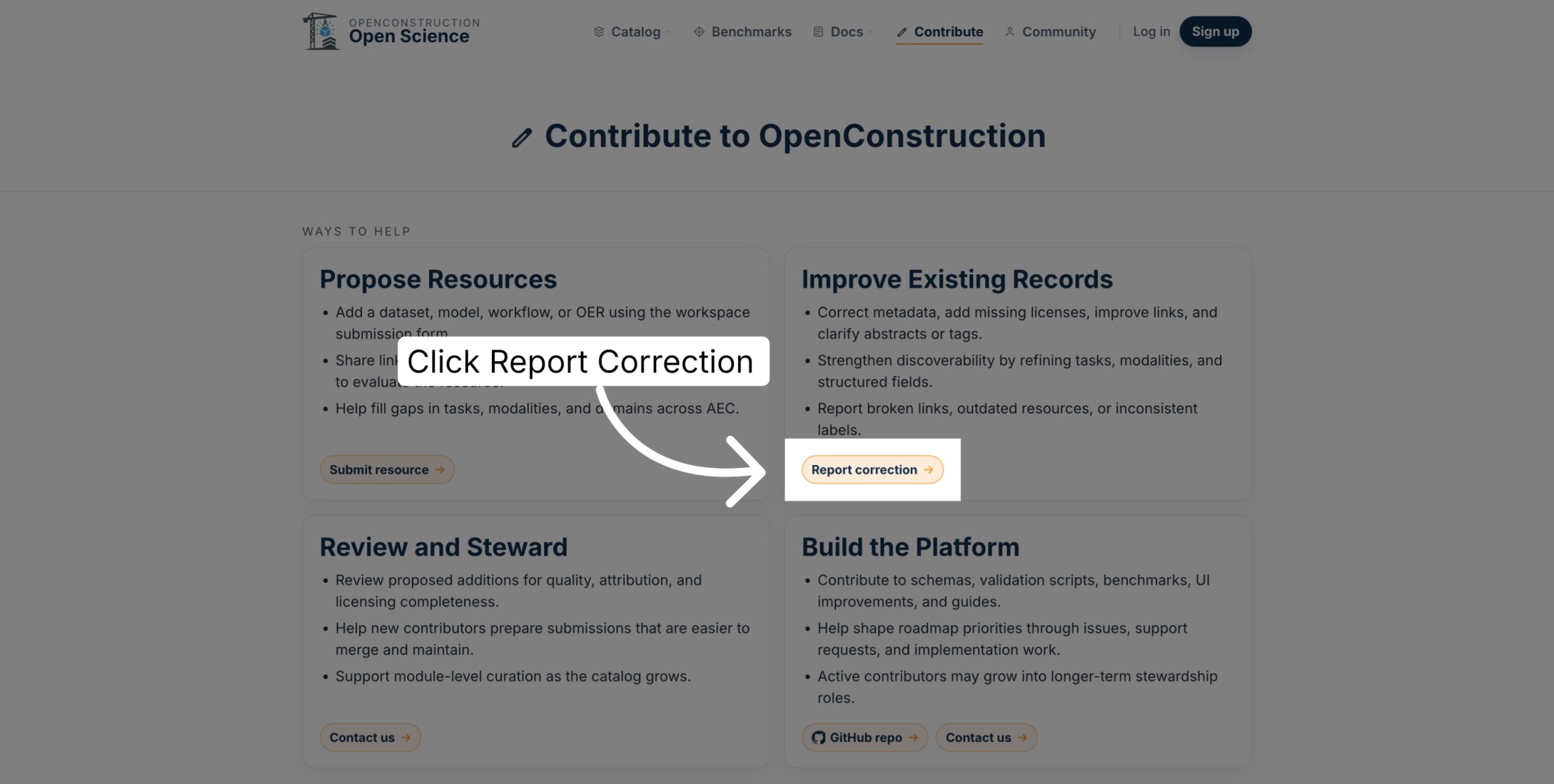
Select Report correction to open the issue-reporting form.
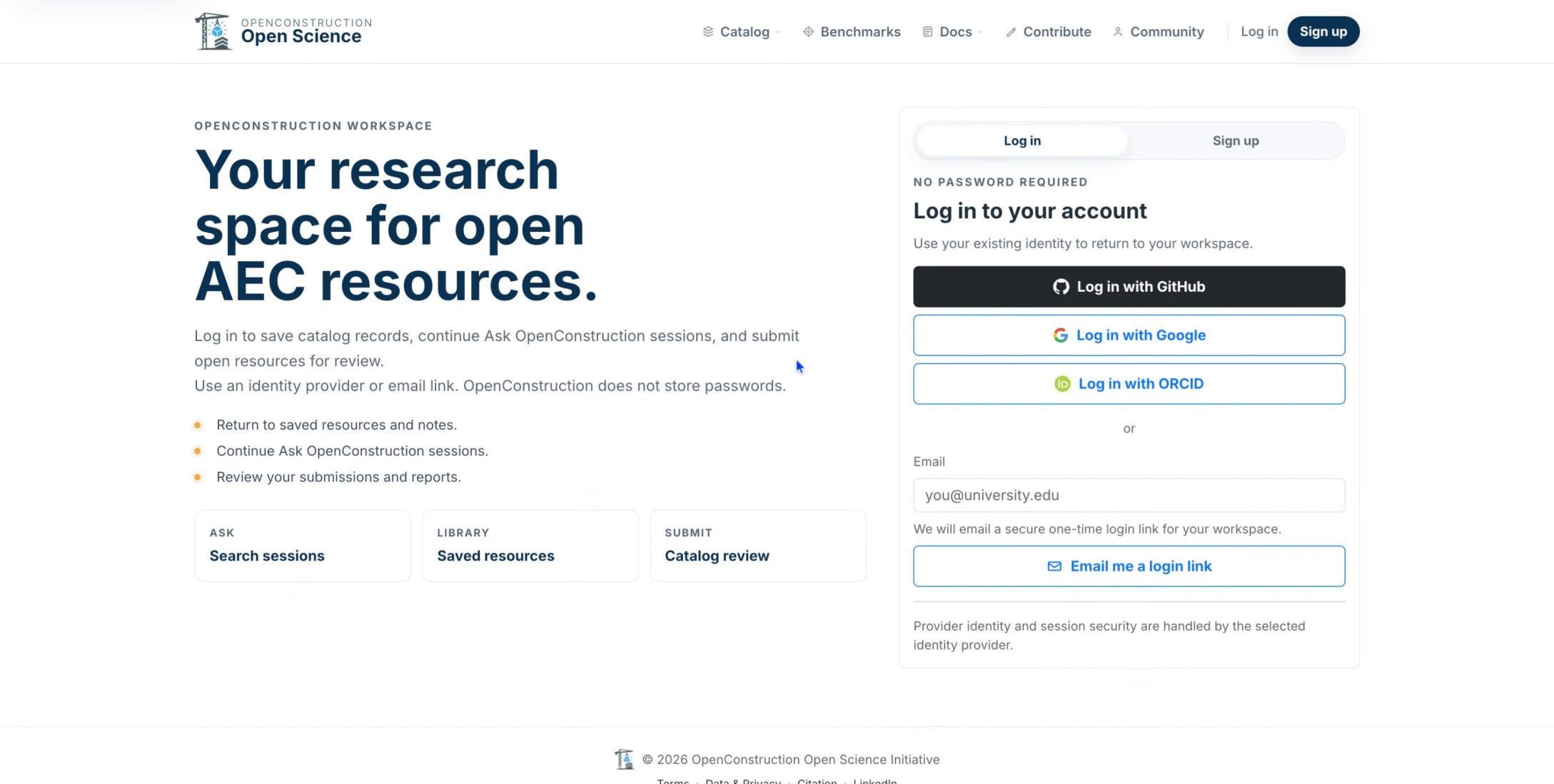
Sign In Securely
Sign in using an available trusted identity provider or secure email link. OpenConstruction does not store passwords.
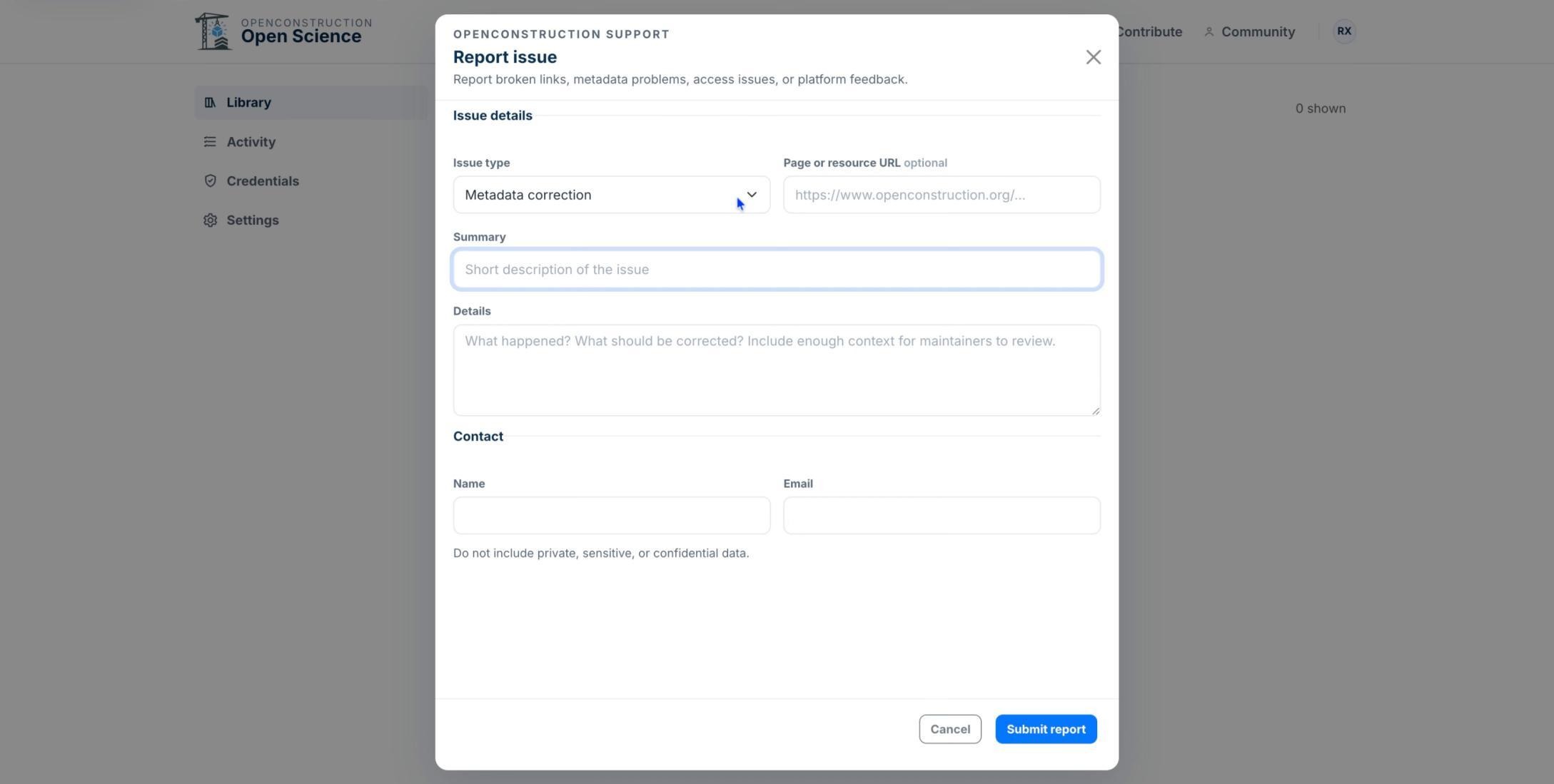
Specify the Issue
Choose the issue type and add a concise summary. Available types include broken links, metadata corrections, access problems, duplicate records, platform feedback, and other issues.
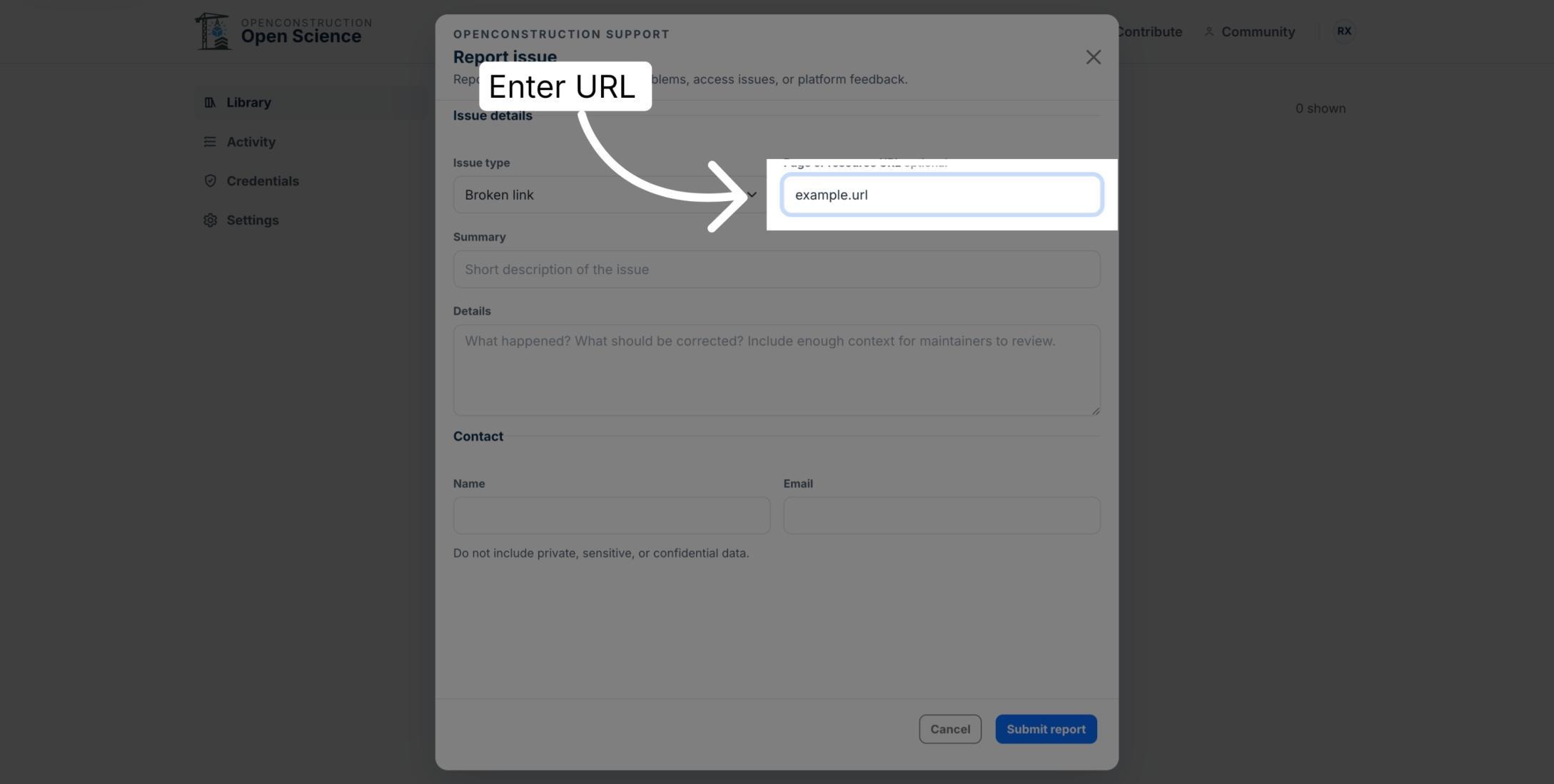
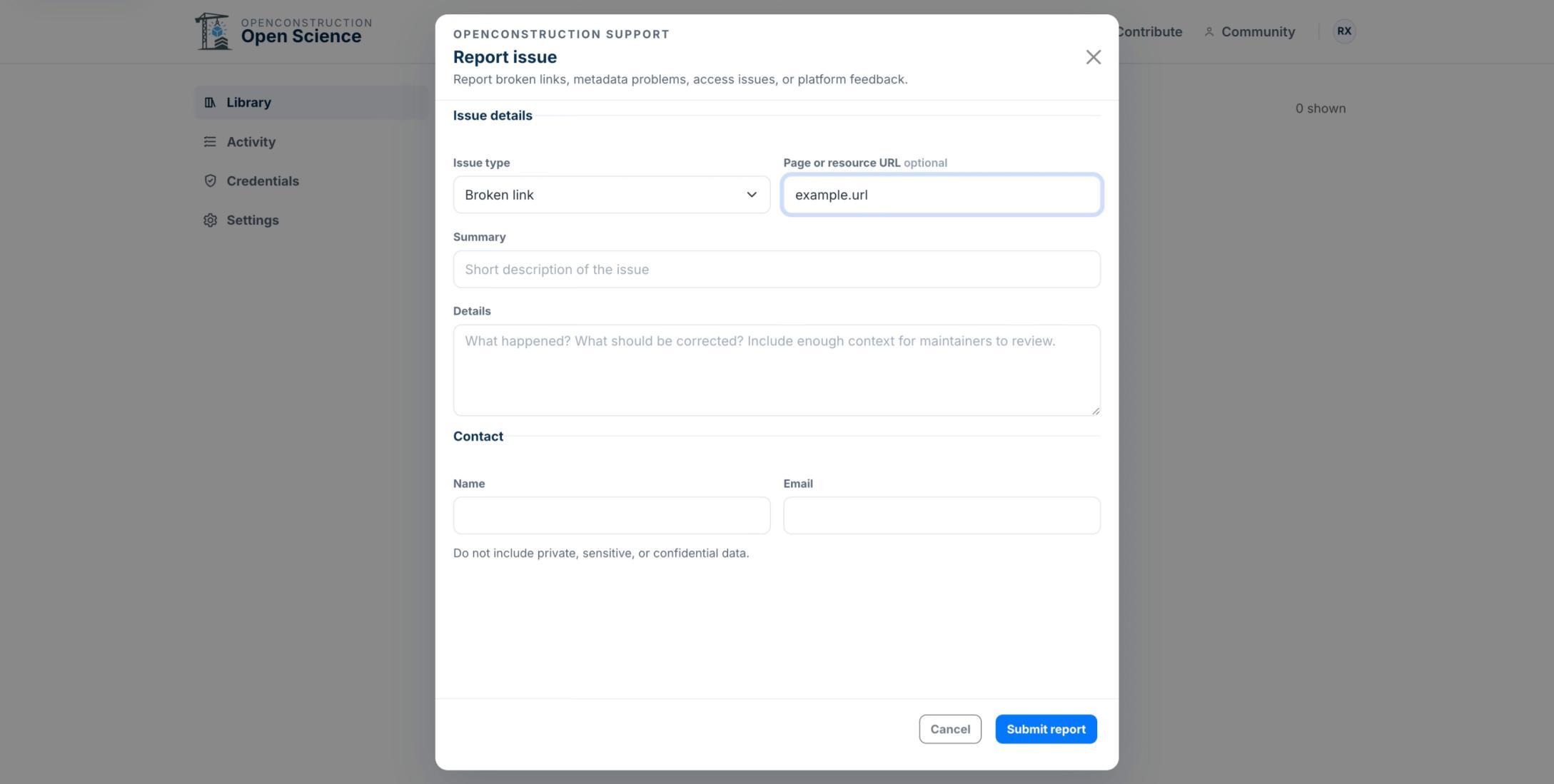
Enter the Resource URL
Enter the direct public URL of the affected resource or page so the team can locate it quickly.
Provide the Correct Information
If information is inaccurate, state the requested correction and cite the original authoritative source that supports it.
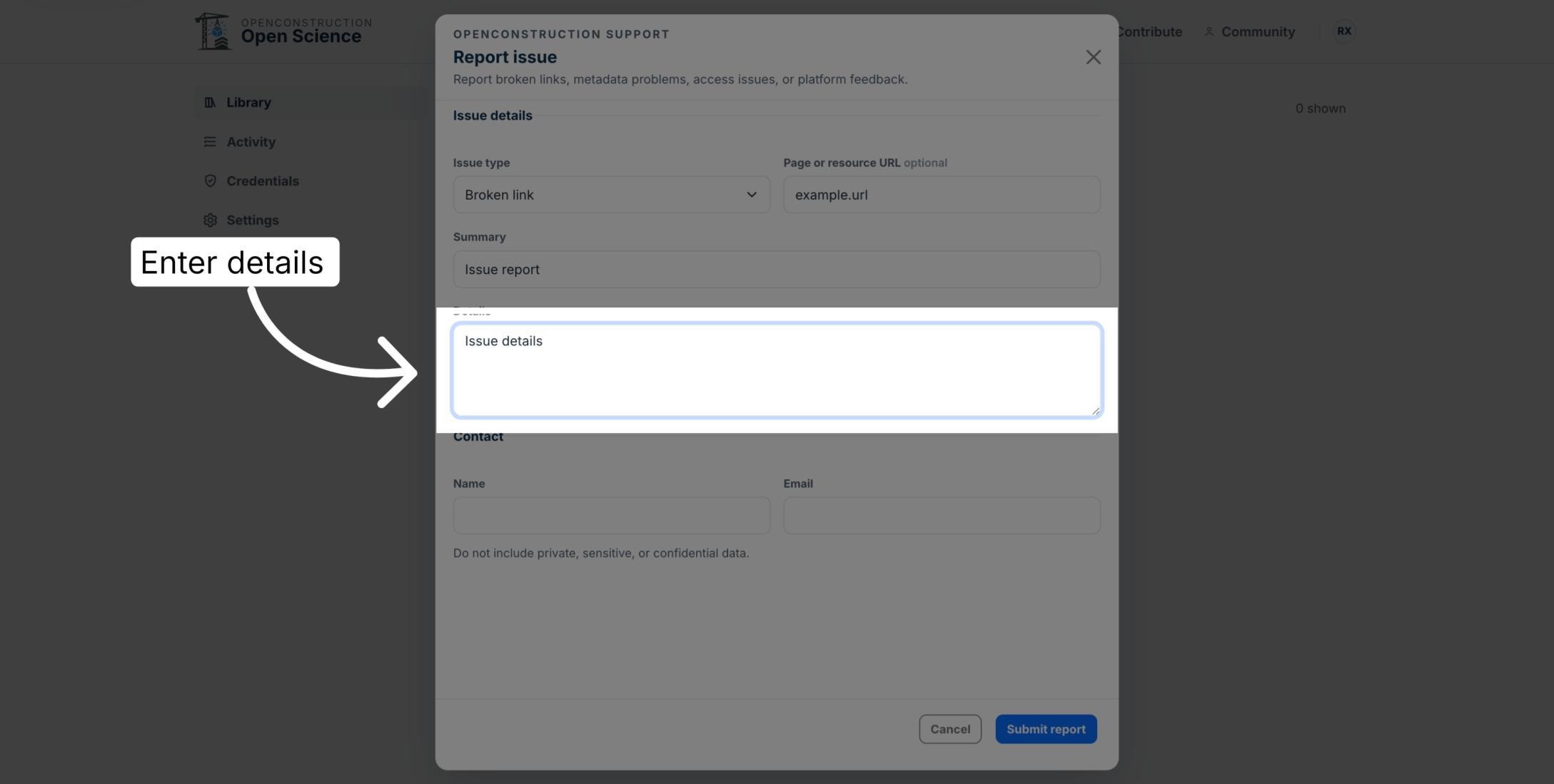
Describe the Issue Clearly
Use the details field to explain what happened, what you expected, and any evidence that will help reviewers verify the problem.
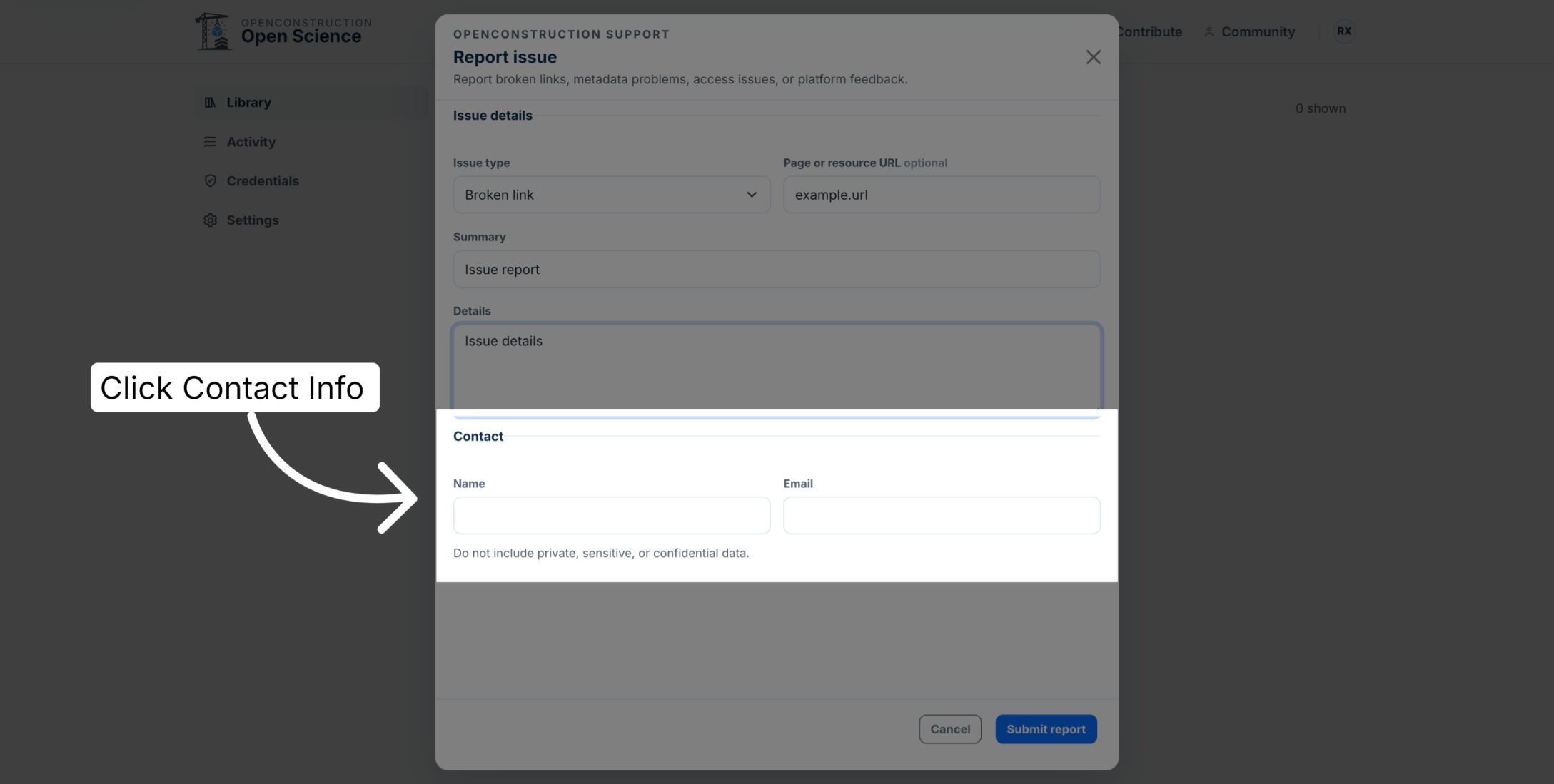
Add Contact Information
Enter your name and an email address where the team can follow up. Do not include private, sensitive, or confidential information in the report.
Report Security Issues Privately
If the report concerns a security vulnerability, email support@openconstruction.org privately. Do not post vulnerability details in a public GitHub issue.
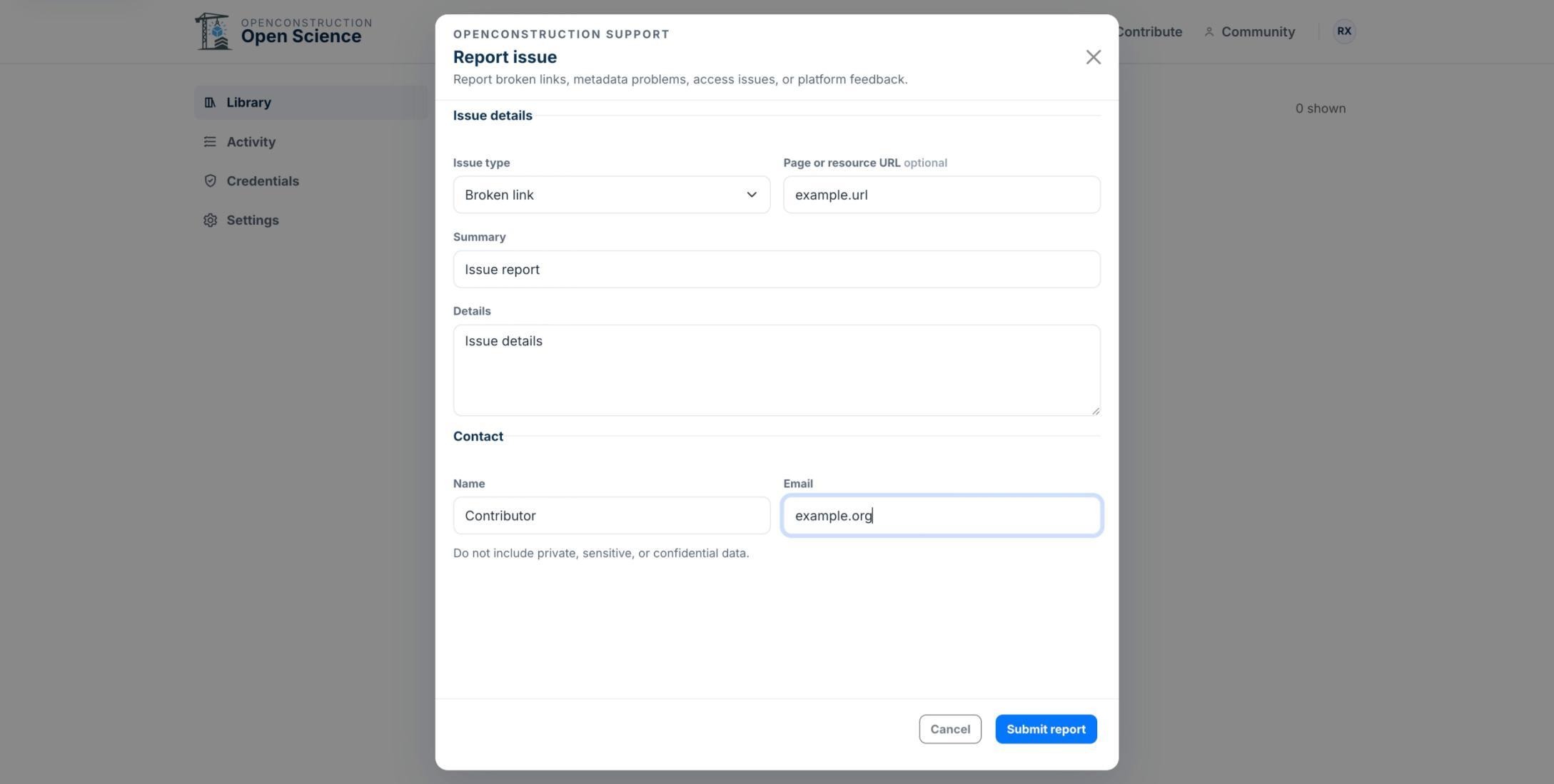
Review Before Sending
Review the issue type, URL, summary, details, and contact information before sending. The tutorial demonstration stops before submitting the example report.
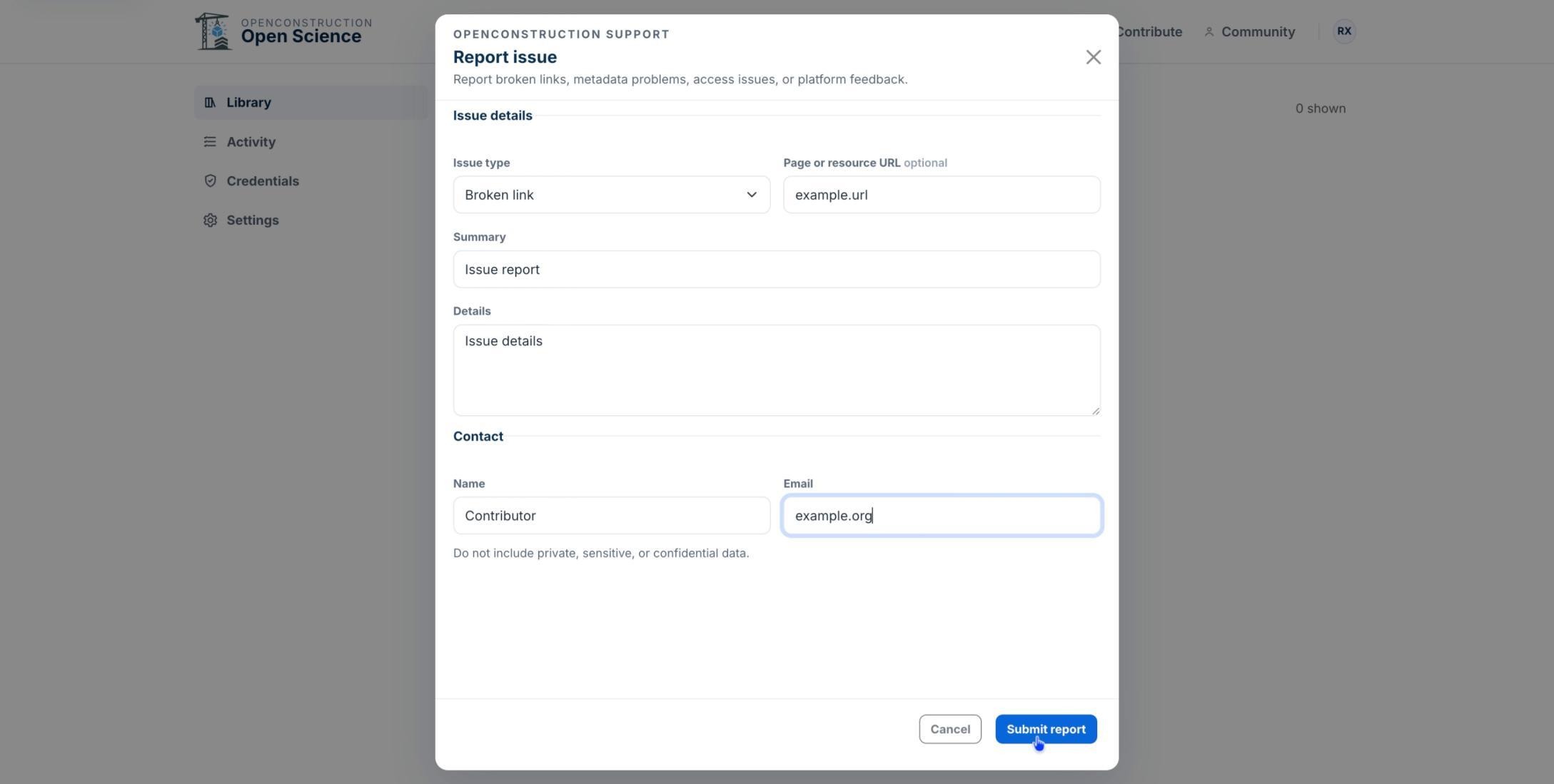
You are now ready to prepare a clear, verifiable issue report while protecting sensitive information.