Welcome to OpenConstruction Workspace
Workspace turns one-time browsing into an organized research workflow. Because it stores saved resources and comparison lists for later use, Workspace requires you to sign in.
Sign In Securely
Open the public sign-in page. Use a trusted identity provider such as GitHub, Google, or ORCID, or request a secure email link. OpenConstruction does not store or manage passwords.
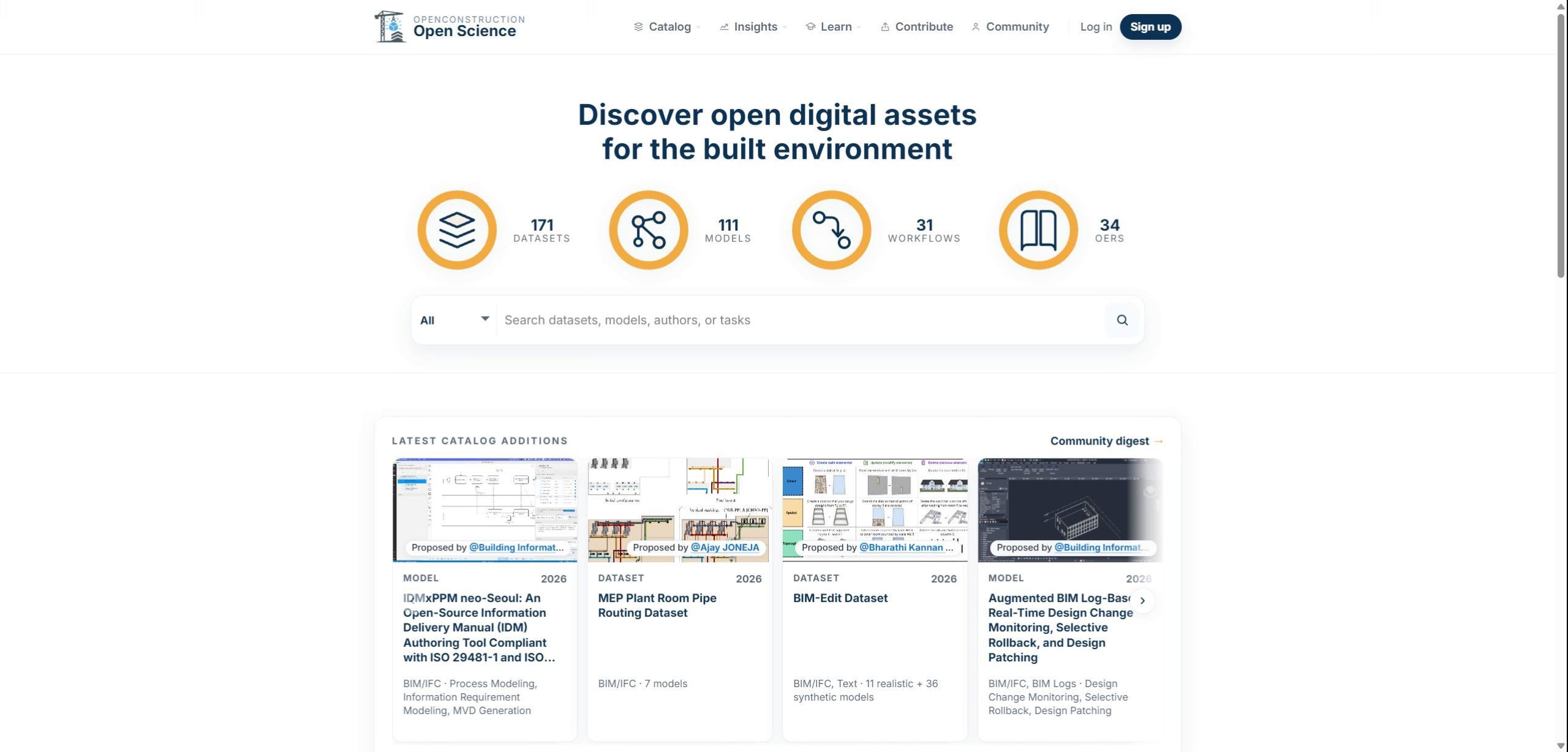
Browse and Save Relevant Resources
Browse the public catalogs and save resources that look relevant. For example, you might save a dataset or model to revisit later in your Workspace.
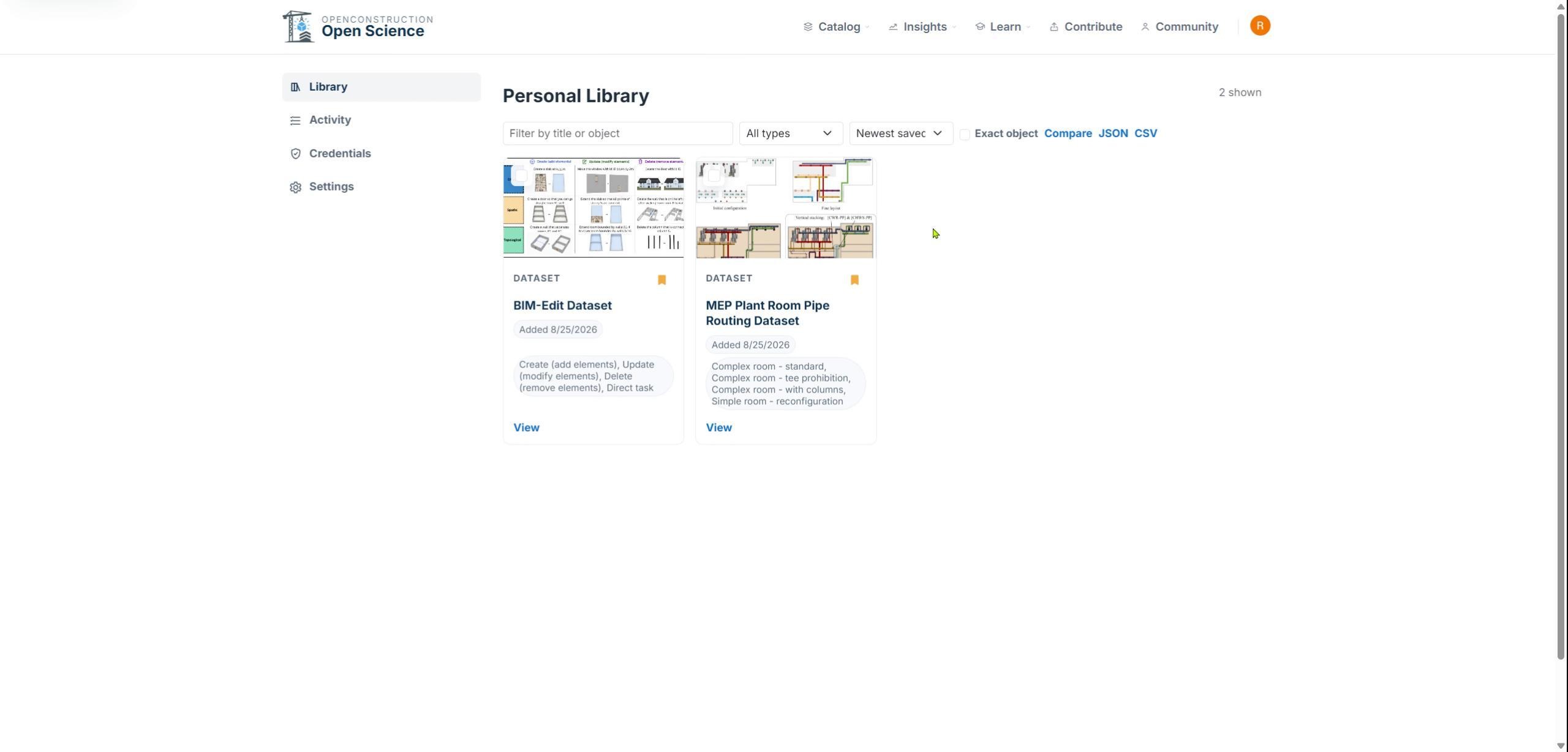
Review Saved Items
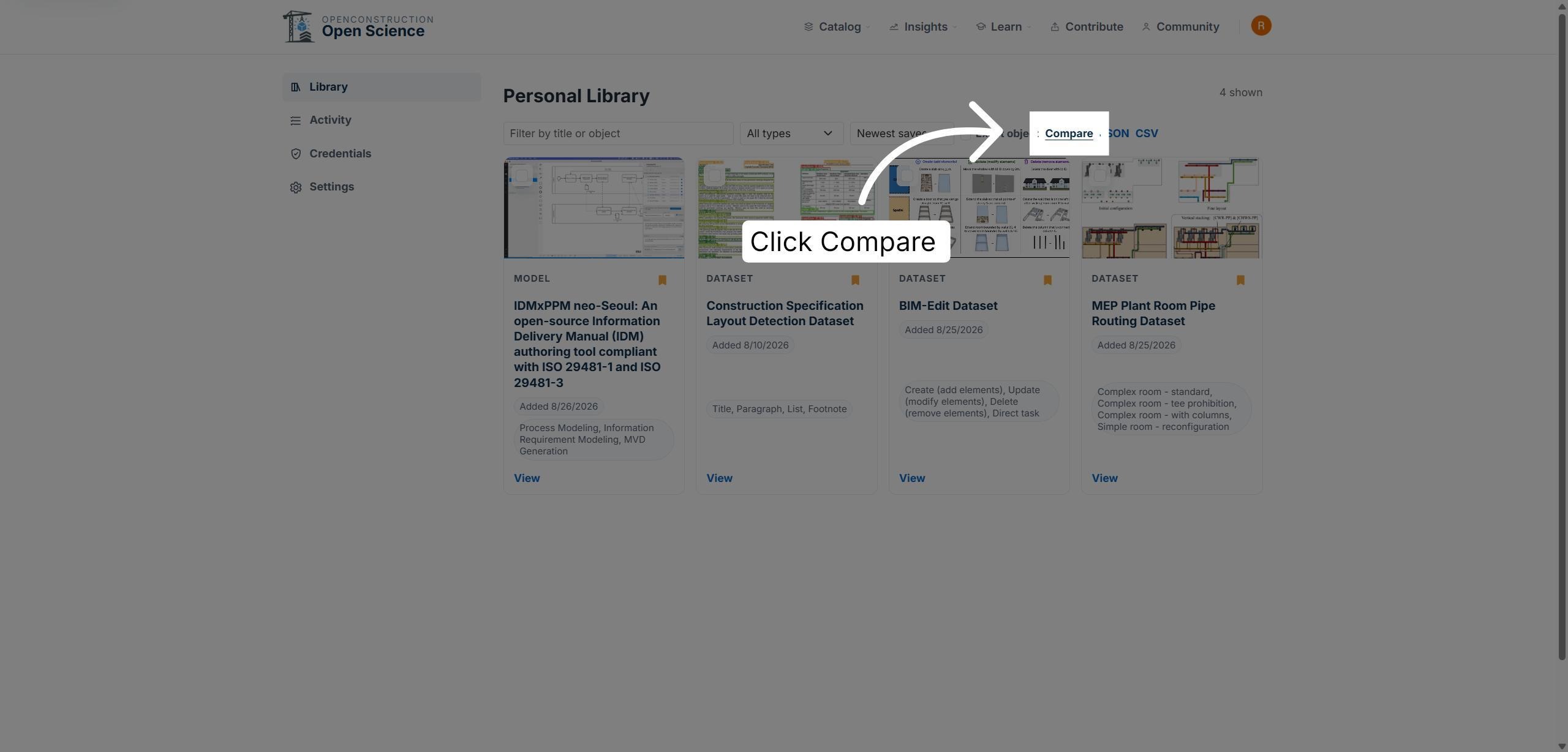
Open Workspace to review the resources you saved. Your Personal Library keeps those candidates together and supports comparison across multiple items.
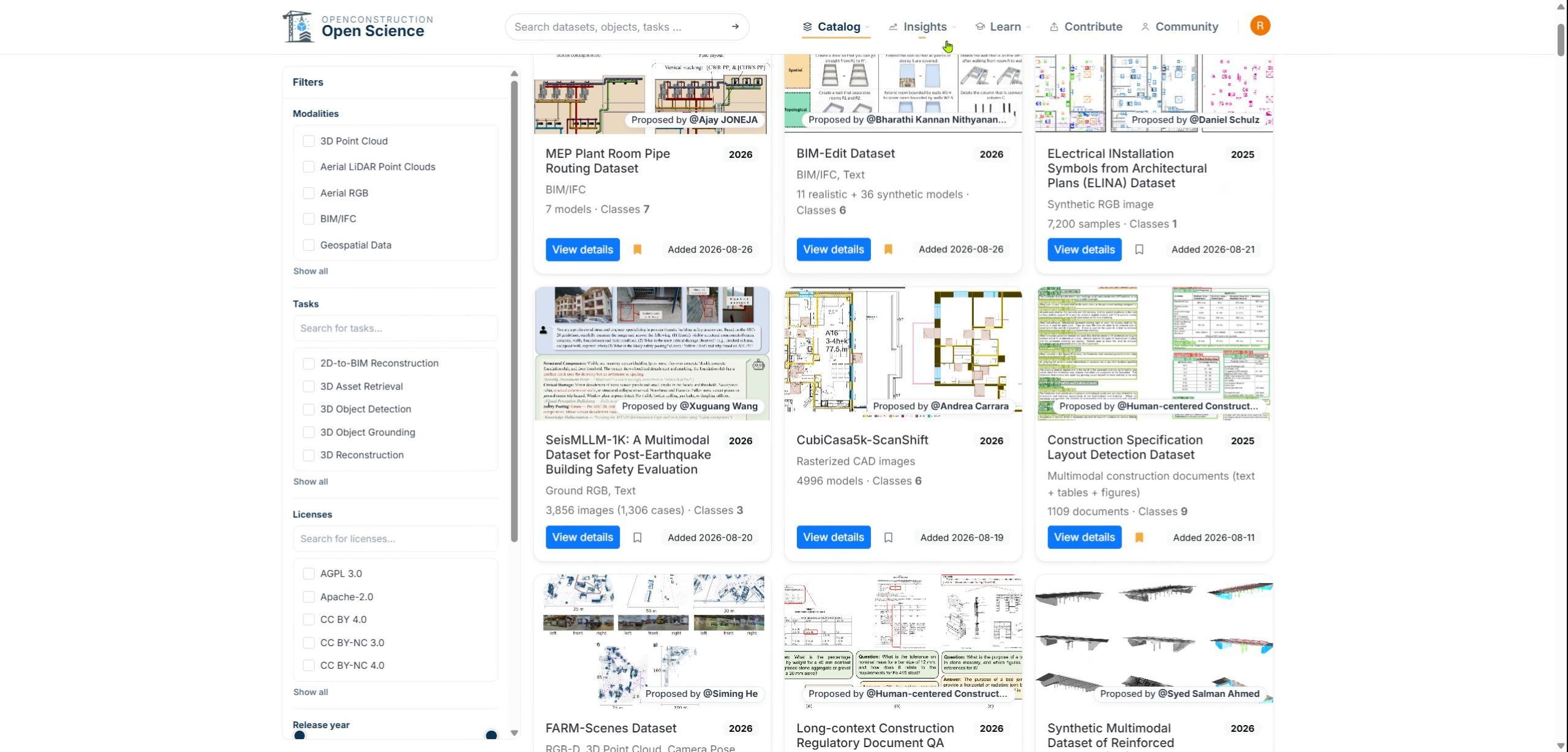
Open the Comparison Tool
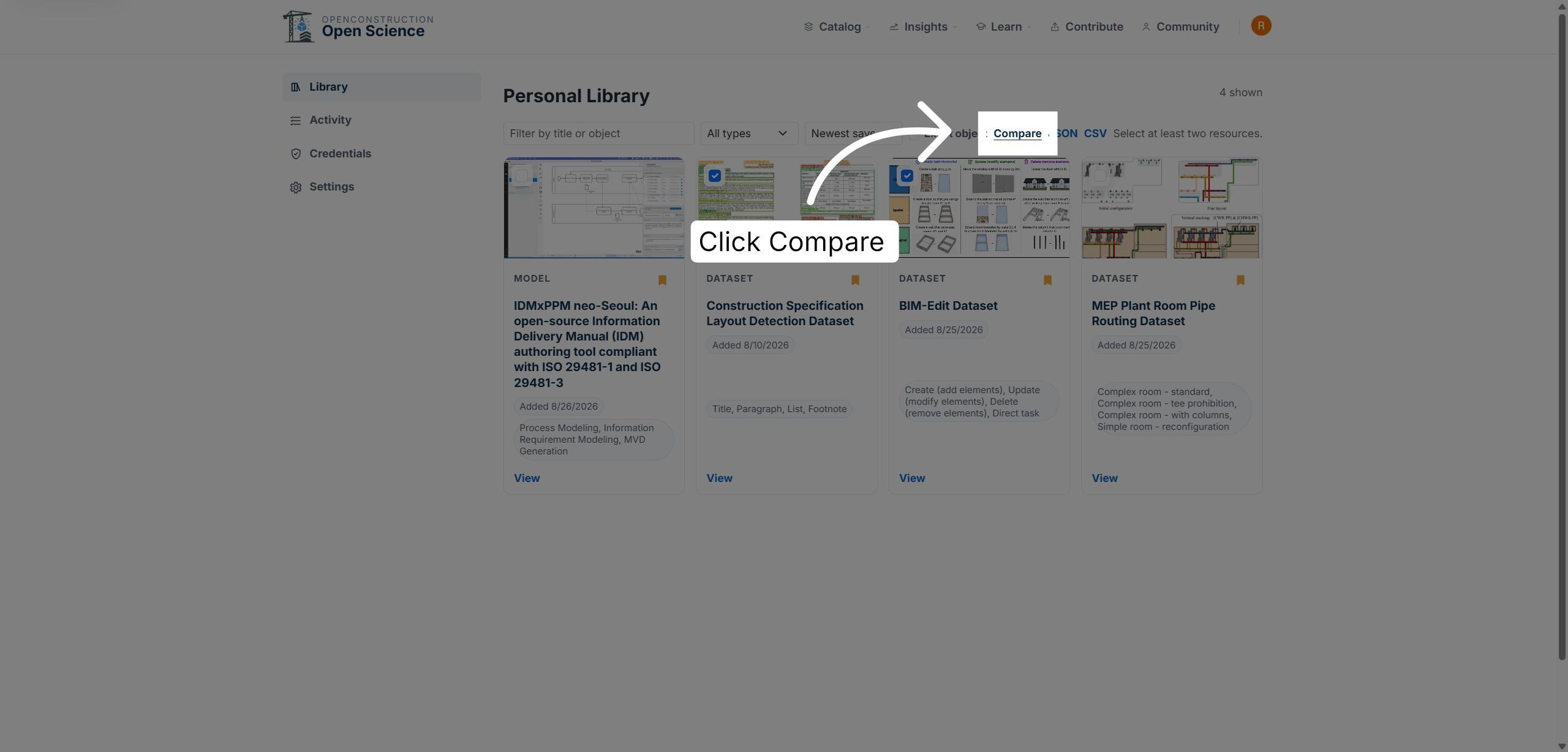
Select the resources you want to evaluate together, then choose Compare to open the comparison workflow.
Compare Selected Candidates
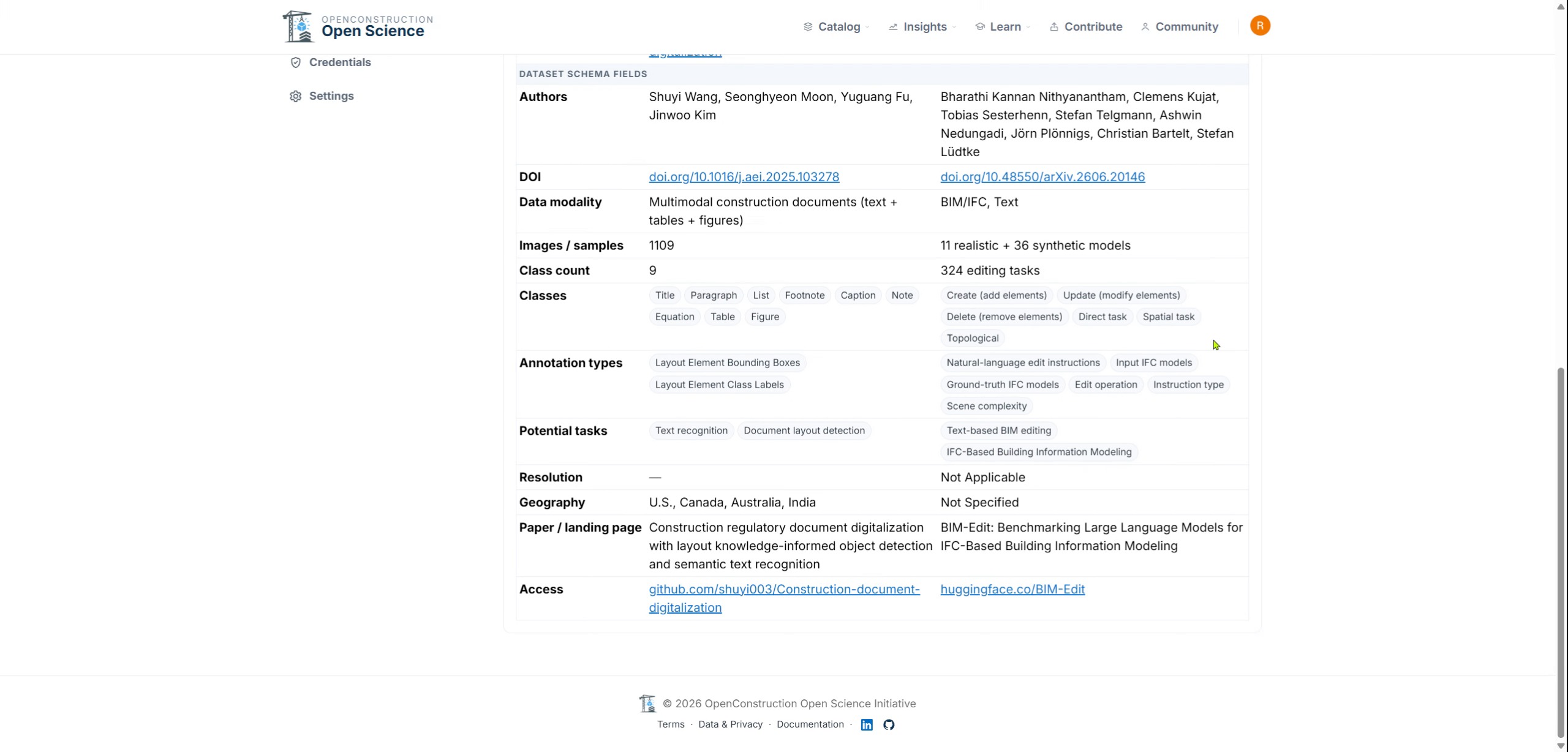
Use the comparison view to examine selected items side by side. Focus on the metadata and evidence most relevant to your research decision.
Export Selected Information
Use the export options to save selected resource information outside Workspace. Exported records can support notes, review, or collaboration beyond the platform.
Organize Evidence for Decisions
Workspace helps you move from discovering resources to organizing evidence and making informed decisions: sign in, save, organize, compare, and export.
You are now ready to turn resource discovery into an organized and reusable research workflow.